The only way I know of to do a screen shot of the BIOS is with a camera & photograph it, which can be difficult.
With UEFI & legacy it's either one or the other. Normally you would select either UEFI or Legacy mode before installing Windows, it's not possible to have both at the same time. Refer to the motherboard manual for this setting.
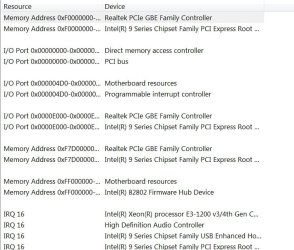
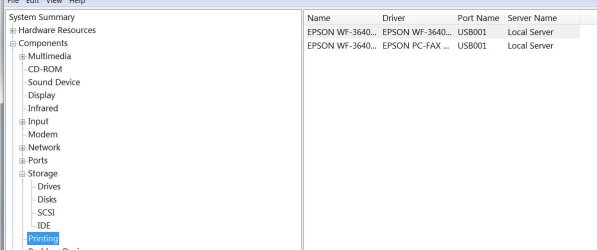
Your screen shot of Sharing/Conflicts is very similar to mine which shows IRQ16 shared by a few items. Did you check other items in System Information as you can also see what other IRQs are used for. You can also see what USB your printer is using as well, so click on each of the + signs on the menu & follow through.
Bligh, I didn't get that far in SysInfo yet...regarding the mobo, my machine is an Envy 700-515xt CTO from HP. MSI made the mobo to HP spec. The machine arrived to me with both UEFI and Legacy enabled. I actually familiarized myself with it before I did anything. Now, when I went and did this fresh install of Windows 7 Pro on the SSD, first I set the SSD up with Partition Wizard. Then, we ejected that disk and loaded Windows installation disk. Everything went fine, at that point. Well, a bit down the road, a memory module was misbehaving off and on, causing a series of BSOD's. It messed the File System up, so we used Magician and cleaned the drive and went to reinstall Windows. Well, on the the 2nd pane of the installation, a warning came up and indicated Windows couldn't be installed. So, I went and disabled UEFI and it installed just fine in Legacy mode. As mentioned previously, the machine was delivered to me with both UEFI and Legacy enabled. I had installed the printer while I was running on the factory OEM Windows installation. So, I guess what I am trying to say, at this point, is that the only variable that has changed just prior to the printer anomalies with the USB 3.0 port is that UEFI was disabled. At this very moment, both UEFI and Legacy are enabled, but I have not tested the printer in the USB 3.0 port to see if that was the issue.
OK, on the BIOS screen... Yeah, I have a terrible camera, and a cheapo smartphone. The BIOS is American Megatrends-AMI 80.11 dated 4/1/2015 with SIMBIOS ver. 2.8. If you have an in depth understanding of that, possibly you could make a suggestion or two as to what I need to check. I understand the basics within, but it's nothing like the American Megatrends BIOS in my old XP machine. That was easy to comprehend- even as much as changing settings for a graphics card. This one, I don't know...a lot of it seems strange to me. Perhaps I need to do some Googling on the matter. Time has been short as of late, though.
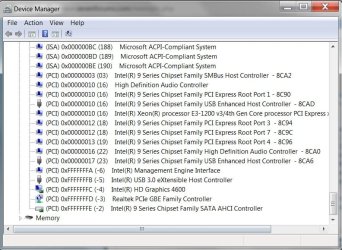
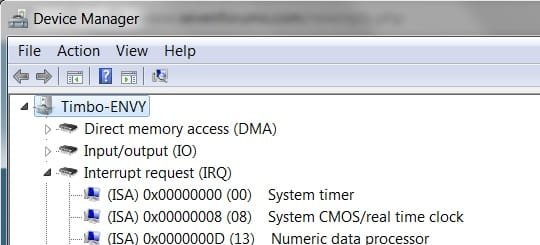
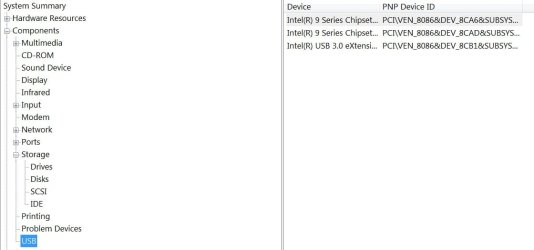
SysInfo>Hardware Resources>Conflicts/Sharing, DMA, I/O, IRQ's, Memory- all OK. Nothing listed in Forced Hardware. In all the categories, nothing seems amiss. Please refer to the attached graphics. The two items that show up are disconnected intentionally.
I appreciate the help you've afforded me on the matter, for sure- Thanks!
Regards-
tim