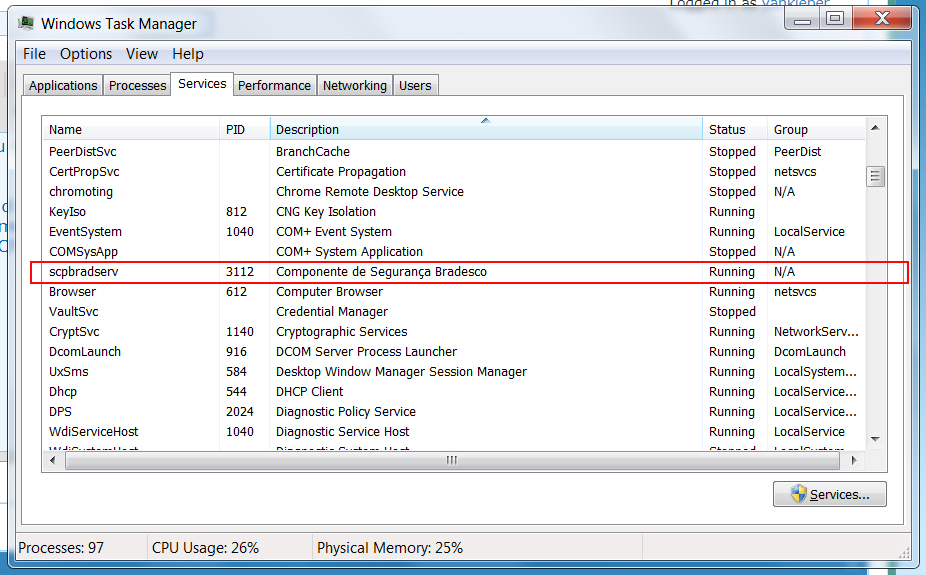
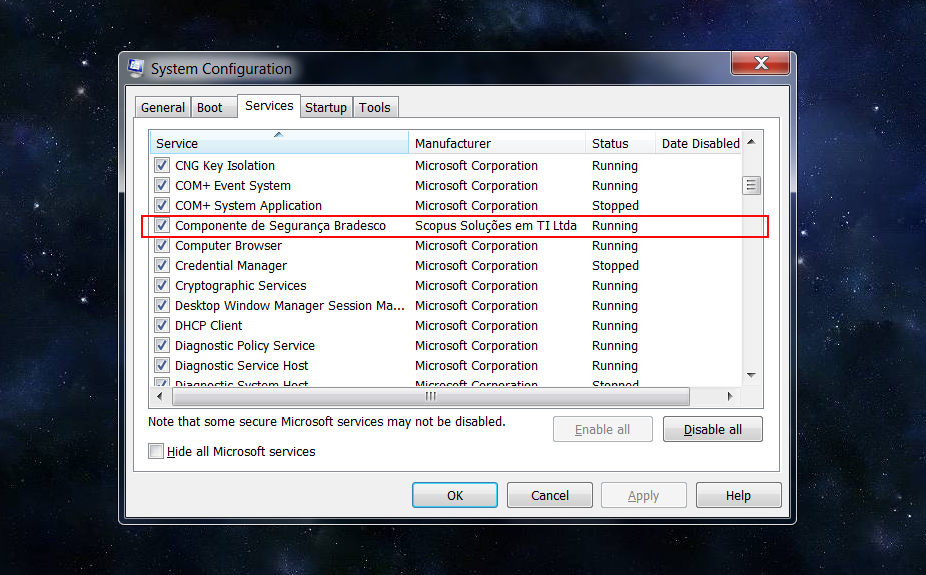
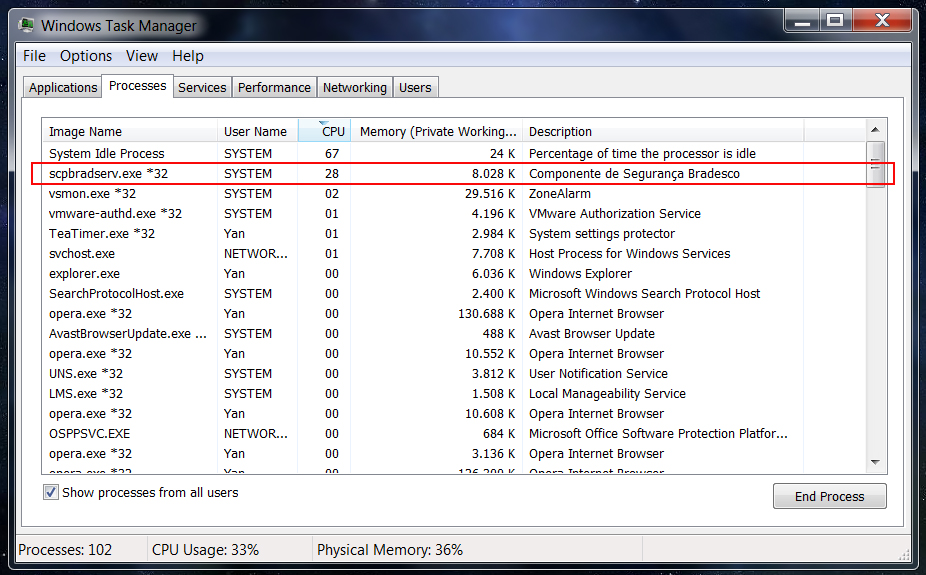
Recently my bank released an update of their security access module and I was forced to install it onto my computer. The problem is that the crap eats around 25-30% of my CPU even when I am not accessing the bank website (that is 99.99% of time). I tried to kill the service from the CMD window with this:
And then I was granted with the message:
Then when I returned to the task manager to check and realized that the evil thing was back with a new PID.
I can keep doing it the whole day and it still will return the next second with a new PID.

How can I manage to resolve this???
Thanks!
taskkill pid 1628 /t /f
And then I was granted with the message:
"SUCCESS: The process with PID 1628 has been terminated."
Then when I returned to the task manager to check and realized that the evil thing was back with a new PID.
I can keep doing it the whole day and it still will return the next second with a new PID.
How can I manage to resolve this???
Thanks!
My Computer
At a glance
Windows 7 Professional 64bitIntel i5-33308GBOnboard
- Computer type
- PC/Desktop
- Computer Manufacturer/Model Number
- Custom
- OS
- Windows 7 Professional 64bit
- CPU
- Intel i5-3330
- Motherboard
- GigaByte B75M-D3H
- Memory
- 8GB
- Graphics Card(s)
- Onboard
- Sound Card
- Behringer UCA222
- Monitor(s) Displays
- Samsung 22.5"
- Screen Resolution
- 1920x1080
- Hard Drives
- SSD Kingston 120GB
HDD Samsung 320GB
- Internet Speed
- 1M
- Antivirus
- ZoneAlarm FW + AV Free
- Browser
- Chrome