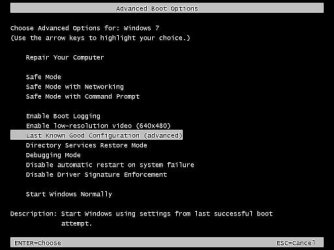
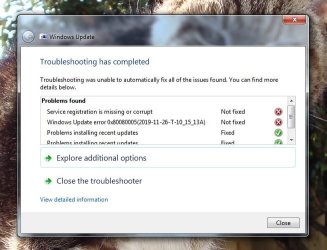
My Acer Aspire desktop pc is trying to configure Windows updates every time I turn it on. It goes through the same procedure and always fails. This has been going on for a week or two.
Below is what it says on the first screen after switching on through various other screens before pc allows me to enter my password and use the pc as normal. Takes a few minutes.
"Preparing to configure Windows"
"Configuring Windows updates. xx% complete. Do not turn off your computer."
"Shutting down"
(PC then restarts)
"Starting Windows"
(Then the pc repeats all of the above stages)
"Failure configuring Windows updates. Reverting changes. Do not turn off your computer."
Then it lets me enter my password and use the pc as normal.
Any advice about what is going on and what to do would be appreciated. I'm not a computer expert. Many thanks.
Below is what it says on the first screen after switching on through various other screens before pc allows me to enter my password and use the pc as normal. Takes a few minutes.
"Preparing to configure Windows"
"Configuring Windows updates. xx% complete. Do not turn off your computer."
"Shutting down"
(PC then restarts)
"Starting Windows"
(Then the pc repeats all of the above stages)
"Failure configuring Windows updates. Reverting changes. Do not turn off your computer."
Then it lets me enter my password and use the pc as normal.
Any advice about what is going on and what to do would be appreciated. I'm not a computer expert. Many thanks.
My Computer
At a glance
Windows 7 Home Premium 64 bit SP1Intel i3 5403GB DDR3SD
- Computer type
- PC/Desktop
- Computer Manufacturer/Model Number
- Acer Aspire Desktop M3910
- OS
- Windows 7 Home Premium 64 bit SP1
- CPU
- Intel i3 540
- Memory
- 3GB DDR3SD
- Monitor(s) Displays
- LG Flatron L1960TR
- Screen Resolution
- 1280x1024
- Keyboard
- Acer
- Mouse
- Genius
- Antivirus
- Avast (Free)
- Browser
- I E 11