- Local time
- 5:11 AM
- Messages
- 620
My Computer
- OS
- 7264x64/7260x86


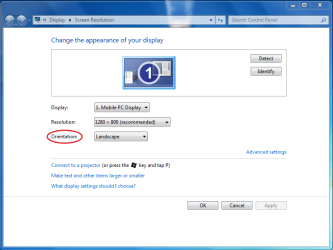


Man you sure are picky, lol. When your orientation changes, just drag the task bar. Also, if you don't want to use hot keys, just use the tray icon to rotate the screen.
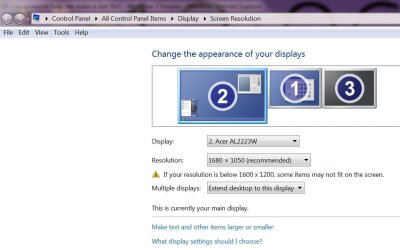
I looked at that post, it addresses resolution, but not orientation. It is still a good script to have, but the OP wants something to change his orientation. I do not seem to have that feature on my desktop. Once again, I assume it is only available on tablet \laptops. Do any of you guys have that option on your desktop?
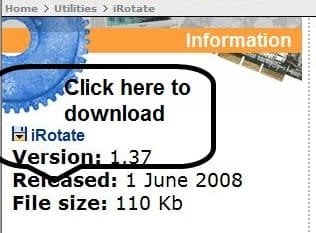
Try this tool.
EnTech Taiwan | Utilities | iRotate
Maybe this is what your looking for: AppBar
I think HP has a turning screen. Hook your laptop up to that and use it. It automagically fixes the orientation. It's right here: HP GW458AA#ABA HP w2207 22" Wide LCD Monitor
EDIT: After looking at it, I think I'll buy one! That's too cool!
[1]Hmmmm - nice find.
[2]Ummm, telling the poster to buy a new one is not really much of a solution to getting the current one working, it is?

Maybe this is what your looking for: AppBar