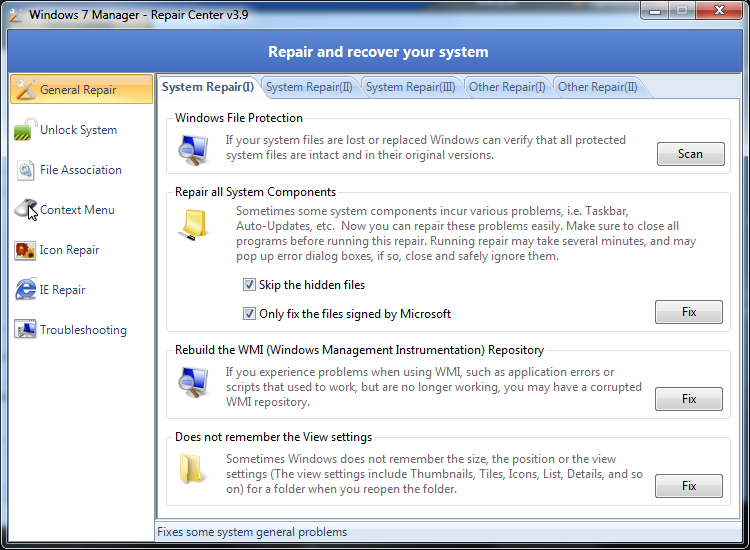
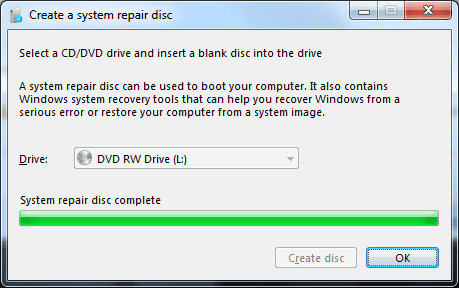
after using Brink's Tutorial I recovered my backup service.
But it still is not working, I'm getting 1053'd when I try to start the service manually. There was a particular hotfix for 1053's but MS has removed all of the hotfixes for Windows 7 and I am not sure which Hotfix applies to that issue. I downloaded all of the hotfixes I could using WHdownloader, but it does not really say what each one is for, or if in fact the hotfix I require is in the batch I was able to download.
While I am at this, I want to ask if there is a similar issue that prevents my OptionalFeatures.exe CP from populating, is there a service missing for that too? Images:
Blank Windows Backup CP:

Blank Windows Features CP (OptionalFeatures.exe)

My 1053 is the most important issue though, I checked all of the dependencies, and they are all running. So I don;w know why Windows backup is not starting. If there is a relationship between the 2 CP's not working though, with a common fix, that would be great. Not really willing to do an In Place install yet. I need to backup my system before performing maintenance on my SSD.
But it still is not working, I'm getting 1053'd when I try to start the service manually. There was a particular hotfix for 1053's but MS has removed all of the hotfixes for Windows 7 and I am not sure which Hotfix applies to that issue. I downloaded all of the hotfixes I could using WHdownloader, but it does not really say what each one is for, or if in fact the hotfix I require is in the batch I was able to download.
While I am at this, I want to ask if there is a similar issue that prevents my OptionalFeatures.exe CP from populating, is there a service missing for that too? Images:
Blank Windows Backup CP:
Blank Windows Features CP (OptionalFeatures.exe)
My 1053 is the most important issue though, I checked all of the dependencies, and they are all running. So I don;w know why Windows backup is not starting. If there is a relationship between the 2 CP's not working though, with a common fix, that would be great. Not really willing to do an In Place install yet. I need to backup my system before performing maintenance on my SSD.
My Computer
At a glance
Windows 10/Windows 7 (My Idea- Virtual PC)Intel(R) Core(TM) i5-3470 CPU @ 3.20GHz16 GBnVidia GeForce GTX 750 Ti (2GB)
- Computer type
- PC/Desktop
- Computer Manufacturer/Model Number
- Lenovo Thinkcenter M92p
- OS
- Windows 10/Windows 7 (My Idea- Virtual PC)
- CPU
- Intel(R) Core(TM) i5-3470 CPU @ 3.20GHz
- Motherboard
- Lenovo MahoBay
- Memory
- 16 GB
- Graphics Card(s)
- nVidia GeForce GTX 750 Ti (2GB)
- Sound Card
- nVidia HD Audio
- Monitor(s) Displays
- RCA 4KTV 50"
- Screen Resolution
- 3840p x 2160p
- Hard Drives
- Onboard:
Seagate ST500DM009-2F110A 500GB
WDC WD4000FYYZ-01UL1B1 (WD-WCC131910831) [3726 GB]
USB 3.0
My Book 1140 (WCAZAD122454) [1862 GB]
Apple MDT MD10EAVS-00D7B0 (0000AB123473) [931 GB]
External:
WD Blue Innostar/Matsunichi (465 GB)
WD
- PSU
- Stock Thinkcenter M92p
- Case
- Stock Thinkcenter M92p
- Cooling
- Active
- Keyboard
- BYTEC BY-GA-KT-100-AC
- Mouse
- BYTEC
- Internet Speed
- 1 GHz Down, 40 Mbps Up
- Antivirus
- Windows Defender
- Browser
- EDGE
- Other Info
- Old Other Info:
I finally have an Intel machine that has more than 8GB of Ram.
My ASUS M2N-SE AMD Windows 7 machine is back to Windows 7. Replaced the AMD 4400+ CPU and maxed out the RAM (4GB).
My Core Duo machine is only 2GB of Ram and it is locked to Windows XP in order to run Pro Tools 6.4, which I have been using since 2004.
I have one other Dell OptiPlex 980 tower, Identical to this one,