How to Open "About Windows" in Windows 7
Information
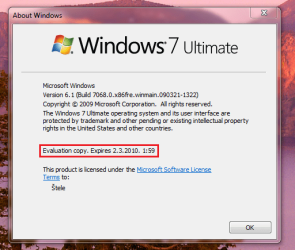
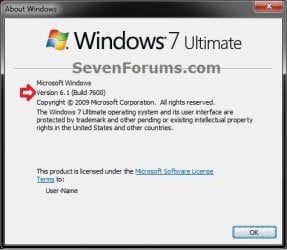
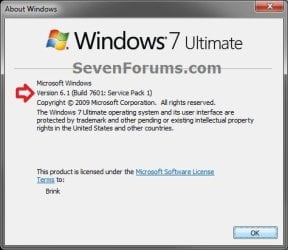
This will show you how to open the About Windows window to see what the edition, version, build number, and registered owner and organization is for your installed Windows 7.
Note
The About Windows exe file is located at C:\Windows\System32\winver.exe.
EXAMPLE: About Windows
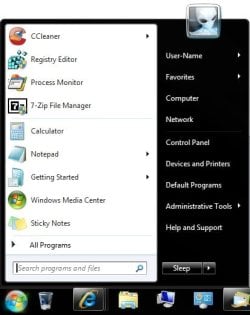
Here's How: 1. Open the Start Menu.
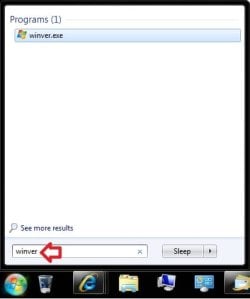
2. In the Search box, type winver and press Enter. (see screenshots below)
That's it,
Shawn
Related Tutorials
- How to Tell if Windows 7 is a 32-bit or 64-bit System Type
- How to See Windows 7 License Information
- How to See System Information in Vista and Windows 7
- How to See what the System "Up Time" is in Vista and Windows 7
- See Original Installation Date and Time of Windows 7 and Windows 8
- How to Change the Registered Owner and Organization Information in Vista and Windows 7
Last edited: