

Several years ago, we brought our privacy and security settings together in one place to make it easier for you to choose the options that are right for you. Billions of people have now visited their Google Account and over 20 million people do so every day.
Today, we’re announcing an improved Google Account experience. It includes new features to more easily navigate your account, more prominent security and privacy options, and detailed summaries of relevant information associated with it—like your personal info, your devices, payment methods, purchases, subscriptions, reservations, and contacts. The new experience is available today for all Android users and will launch on iOS and web later this year.
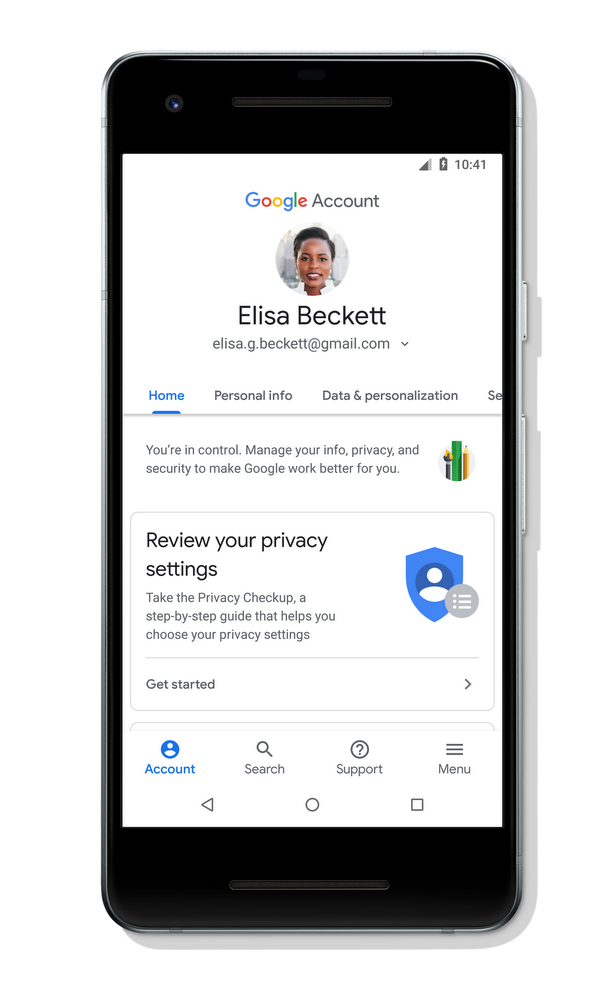
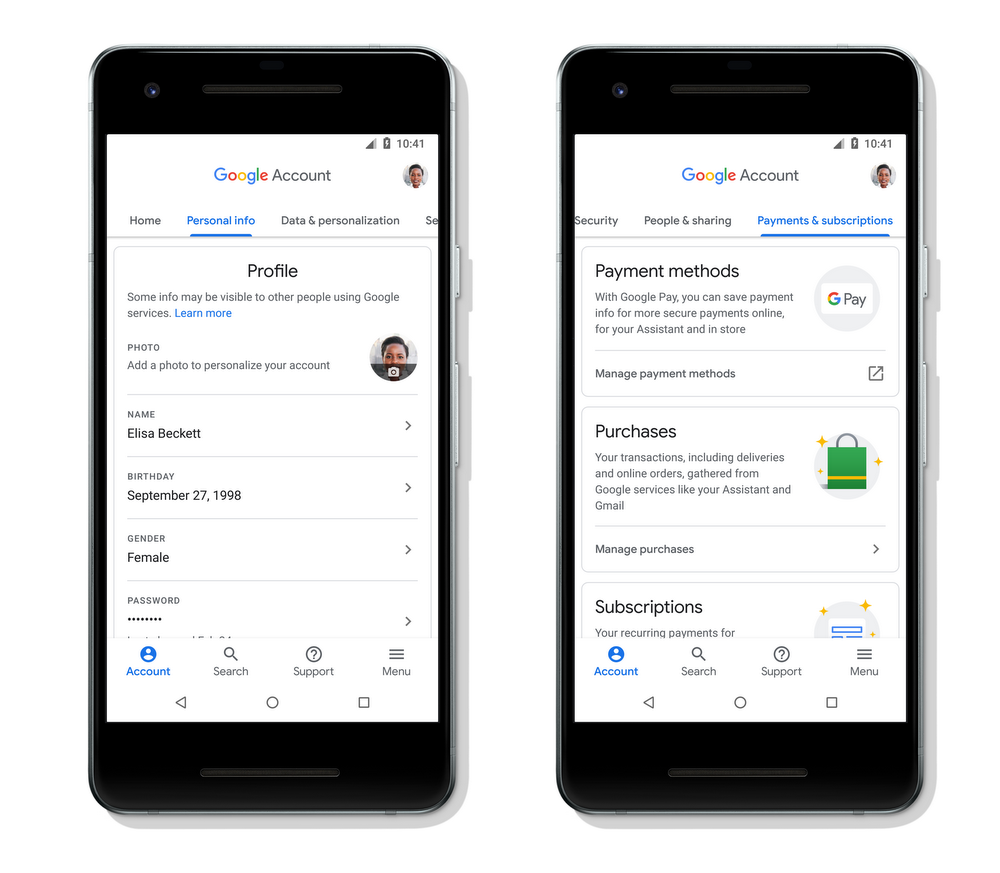
New ways to find what you need
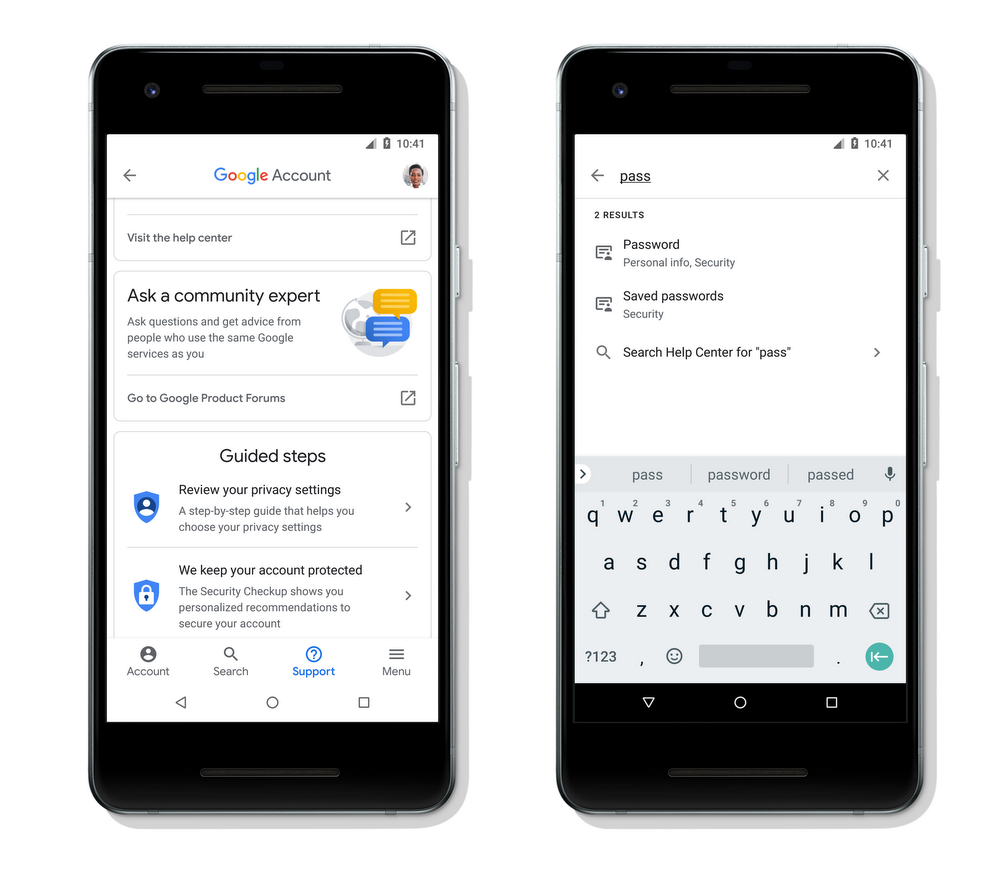
We’ve added new features in your Google Account to make it even easier to review and control this data. We’ve introduced a new search functionality that enables you to find settings and other info you might be looking for in your account, like how to change your password.
When you have a problem but don't quite know what to look for, you can access a new dedicated support section as well. There, you'll find help with common tasks, like upgrading your account storage, and get answers from community experts.
More helpful privacy and security information
We know that when it comes to data and privacy, one size does not fit all. To help you better understand and take control of your Google Account, we've made all your privacy options easy to review with our new intuitive, user-tested design. You can now more easily find your Activity controls in the Data & Personalization tab and choose what types of activity data are saved in your account to make Google work better for you. There, you’ll also find the recently updated Privacy Checkup that helps you review your privacy settings and explains how they shape your experience across Google services.
In October, we updated our Security Checkup to provide you with an overview of your account security and personalized recommendations. The new Google Account experience builds on this and will show you prominent notices if we detect there’s something you can do to improve your security. For example, we might suggest you remove your account from old devices you’re no longer using or remove unverified apps you had granted access to your account data.

We are committed to providing you with the controls you need to choose what’s right for you. For years, we’ve built and refined tools to help you easily understand, protect, and control your information. As needs around security and privacy evolve, we will continue to improve these important tools to help you control how Google works for you.
Source: More transparency and control in your Google Account
My Computer
- Computer type
- PC/Desktop
- Computer Manufacturer/Model Number
- Self built custom
- OS
- 64-bit Windows 11 Pro for Workstations
- CPU
- Intel i7-8700K OC'd to 5 GHz
- Motherboard
- ASUS ROG Maximus XI Formula Z390
- Memory
- 64 GB (4x16GB) G.SKILL TridentZ RGB DDR4 3600 MHz
- Graphics Card(s)
- ASUS ROG-STRIX-GTX1080TI-O11G-GAMING
- Sound Card
- Integrated
- Monitor(s) Displays
- 2 x Samsung Odyssey G7 27"
- Screen Resolution
- 2560x1440
- Hard Drives
- 1TB Samsung 990 PRO M.2,
4TB Samsung 990 PRO PRO M.2,
TerraMaster F8 SSD Plus NAS
- PSU
- Seasonic Prime Titanium 850W
- Case
- Thermaltake Core P3
- Cooling
- Corsair Hydro H115i
- Keyboard
- Logitech wireless K800
- Mouse
- Logitech MX Master 4
- Internet Speed
- 2 Gb/s Download and 100 Mb/s Upload
- Antivirus
- Malwarebyte Anti-Malware Premium
- Browser
- Google Chrome
- Other Info
- Logitech Z625 speaker system,
Logitech BRIO 4K Pro webcam,
HP Color LaserJet Pro MFP M477fdn,
APC SMART-UPS RT 1000 XL - SURT1000XLI,
Galaxy S23 Plus phone

