zigzag3143
New member
- Local time
- 8:35 AM
- Messages
- 27,140
i think i couldn' t explain well.
i am currently using windows7 which is installed in C drive.
now i want to uninstall windows7 from C drive and then again install a fresh new copy of windows7 in same C drive.
i dont have Usb, External Hard Drive and DVD Rom so how can i do this?
kindly tell me , you are getting my point now or not?
My DVD ROm doesnt give respond so.........
i know, thanks i thought that perhaps there is something invented now through win7.
now i made a usb bootable of win7.
but i am facing a problem right now.
i have made this one from the web: www.maketecheasier.com
but when i restarted my system go into the bios.
and from bios, go into Advanced CMOS Setup.
and then select First boot device as USB.
now here are some more similar things to USB.
for example:
IDE-0,CD/DVD-0,Intel UNDI,
USB FDD,
USB CDROM,
USB HDD,
USB RMD-FDD,
USB RMD-HDD.
which one should i have to choose.?
i selected USB-FDD but there is an error when i am trying to restart : "a Disk Read-Error Occured, Press Ctrl+Alt+Del"
kindly tell me how to ?
and what sequence of boot devices should be?
maifs
In the first quote you say you dont have a dvd, in the second you do but its not doing something.
Can we get t his straight?
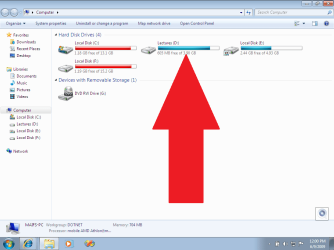
You can install win 7 if you have the files on HD D, then just double click setuo.
What kind of problem are you now having?
Ken
My Computer
- Computer Manufacturer/Model Number
- HP Pavillion dv-7 1005 Tx
- OS
- Win 8 Release candidate 8400
- Memory
- 4 gigs
- Graphics Card(s)
- Nvidia 9600M
- Sound Card
- HD built-in
- Monitor(s) Displays
- 17" Wxga
- Screen Resolution
- 1440x900
- Cooling
- none
- Internet Speed
- 45Mb down 5Mb up