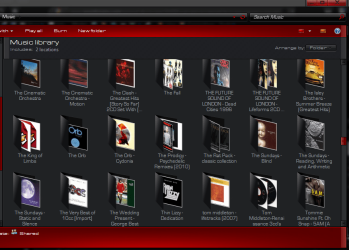
You'll probably get some good ideas and suggestions over in the
"Music, Pictures & Video" forum.
I don't have quite the same giant online disc/music collection that others responding to you have. My CD collection is a more modest 1100, and they're stored physically in racks. I don't need them to be "online" in their entirety.
When I buy a new CD, I enter it into a CD Database product I use named
"Musifind Pro". I've used it forever and it works perfectly for my needs. All 1100 of my CDs are in here, with complete details about everything you'd want to know or refer to. Initial information about the CD is automatically retrieved from FreeDB on the Internet when you insert the CD, but you have full editing capability and can also go through the trouble of entering additional facts and information (e.g. retrieved automatically by the program from AllMusic.com, etc.). You can also play music files you've created using the program (actually it invokes your Windows default music player) for selected tracks, by providing the path to the music file in your collection, in the database information for that track.
Musifind Pro has recently been "orphaned" by the author, into "legacy" status. He'd supported it for at least 10 years and in its current form it just doesn't need any further improvement or maintenance. Doesn't bother me.
However I'm also
"anything but ipod", owning a terrific 64GB Cowon J3 (which is far more Windows-friendly). My music collection (on the PC, and duplicated exactly in folder/file structure on my J3 so that I can "sync" easily between PC and J3, which I do with a terrific program named
Beyond Compare) is about 1100 FLAC files for my "favorite favorites", and the remaining 5600 files are high-quality (>320kbps VBR q0 stereo, encoded with LAME) MP3. All 6700 of these music files were ripped individually by me, from my own CDs, and then encoded to either FLAC or MP3. I don't buy music files (from Apple or from anyone else). I buy CDs and make music files for tracks I want to listen to either on my PC or mobile.
My own tool of choice is a program I've used forever named
Audiograbber which is the ripper. It also is the tagger for MP3. It invokes either
LAME (for MP3) or
FLAC (for FLAC) as "external encoders". When using FLAC parameters are passed from Audiograbber to FLAC which does the tagging as well, but for MP3 the ID3 tags (both ID3v1 and ID3v2) are completely built by Audiograbber. Naturally all of the album, artist and track information is derived automatically from FreeDB on the Internet when you insert the CD you want to work on.
There are many similar alternative approaches that also work, and everybody's got their own suggestions. The above described method works well for me. For sure, you do NOT want to just copy your CD's to online storage as WAV files, as WAV files do not have "tags" for metadata that can be displayed when you play the music files. If you want to retain original quality you should convert WAV to FLAC (which is about 60% the size of WAV, supports FLAC tags, and is lossless meaning it is bit-for-bit identical to the original WAV in playback sound quality, and in fact you could even reproduce the original WAV file if you wanted to).
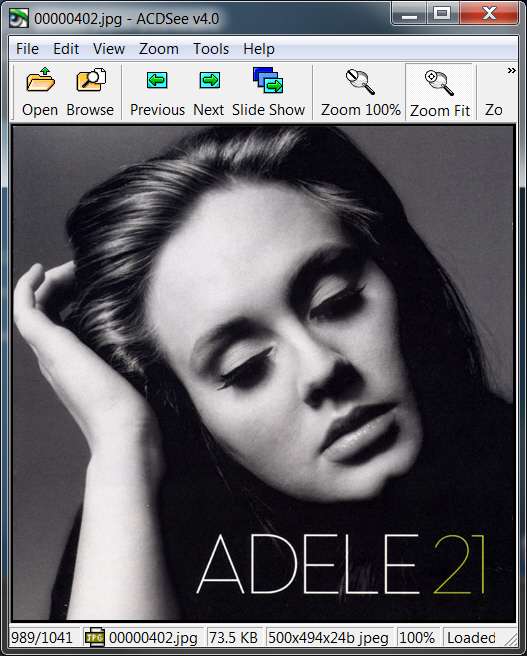
I also enjoy locating high-quality 500x500 album art from Amazon for the CD I'm working on, often accepting one that's been submitted by others. However often they are "not up to my standards" and I will scan my own CD cover and tweak with Photoshop into a JPG that I can be proud of. I then upload my own scanned album art image to Amazon, so that others can use it. There's lots of pleasure in seeing a "high vote count" for your own high-quality scan on Amazon over time, like the following (which has essentially 100% "yes I like it" on Amazon from others who've downloaded it from among numerous other choices available).
Whether they come from Amazon or myself, all my album art is stored as a single "cover.jpg" file in the physical \Music\Artist\Album folder I create (or rather Audiograbber creates automatically for me when I extract one or more tracks from the CD) for the target music files I produce.
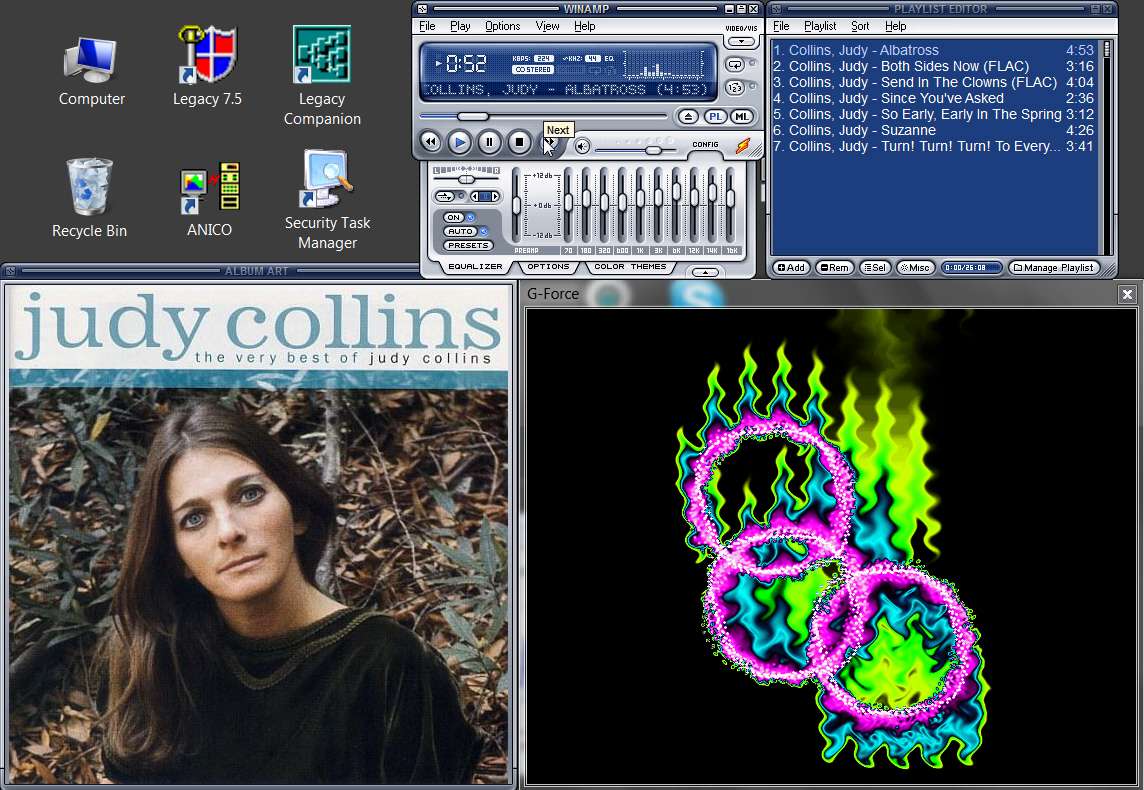
These "cover.jpg" album art images display automatically in an "Album Art" window when I play any track from that album folder using
Winamp, which is my external player of choice and is specified to Windows as my default player for all music files. The same "cover.jpg" when duplicated onto my J3 (in the exact same \Music\Artist\Album collection organization as is on my PC) also is displayed exactly the same way on the screen of the J3 (resized by the J3 down from 500x500 to 272x272 for display on its screen). And the same "cover.jpg" is also displayed by Musifind Pro whenever I look at that CD's information in the CD database.
I also use a "visualization plug-in" for Winamp named
G-Force Platinum. This is displayed in its own window (see below screenshot) while music is played by Winamp, and the images presented are related to the rhythm, beat, mood, volume, etc., of the music file being played. Makes listening to music a wonderfully enjoyable and always-morphing visual experience as well.
Finally, I use a wonderful program named
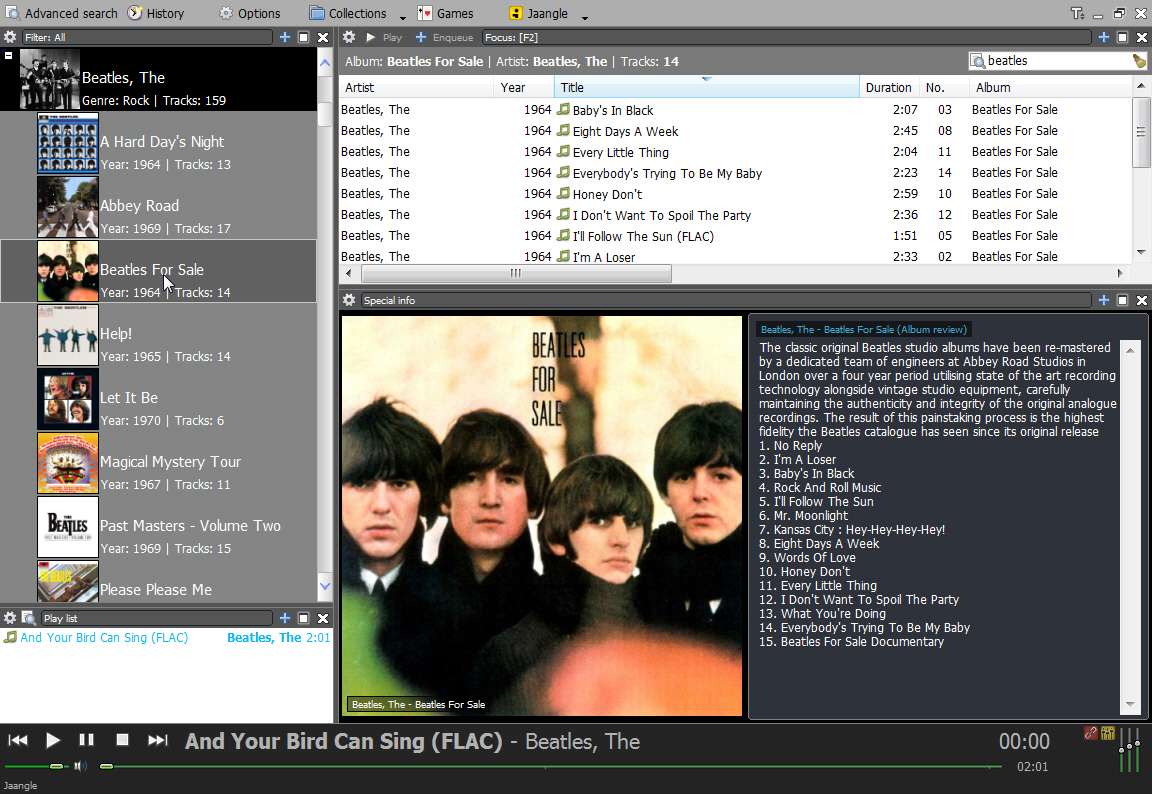
Jaangle on the PC as my "organizer/player". It has its own database for "musc/video collections" of your own definition. It also runs up to the Internet (LastFM and Amazon) to get all kinds of interesting photos, album reviews and track listings, artist bios, etc., which is then presented in its GUI when you browse your music collection. It also has its own built-in music player for MP3, FLAC, etc. It can even play videos, if you use it to "collect" your videos. For album art in particular, it will present your own high-quality "cover.jpg" if present and available, but if not (something which isn't the case for me) it will retrieve an album art image from the Internet and use that one.
Both Winamp and Jaangle can also create M3U playlist files for music, which can then be used either on the PC (e.g. by Winamp or Jaangle) or a portable music player that supports M3U playlist files (like the J3).
There was an
extensive thread last year in that other forum that dealt initially with Windows Media Player, album art cache, limitations and annoyances of Windows Explorer and Media Player, etc., and eventually devolved into a discussion of far superior alternative players and organizers. The same discussion of Winamp and Jaangle occurred there, as well as how to make your own music files (selectively, since you obviously don't play every music track from every CD and have no interest in doing so, so why not just "collect" the music files you actually WOULD listen to??). You might read through that thread, as it also went into considerable detail on how to use Audiograbber to make music files yourself, which might truly be something you should consider.
The same subject comes up every week or so, and in fact there was one just last week for "the best FLAC player".
I once again pitched Winamp and Jaangle, as being far better than just a FLAC player.
Note that Jaangle has its own built-in simple and advanced search capability, to make finding things easy in an extensive collection.
I also use a terrific (and highly recommended by SevenForums members) lightning-fast
search engine named "Everything" for finding ANYTHING on my computers. I have an extremely large photo collection (about 700,000 images) along with lots of other music files and data, and finding anything (by file name search) with Everything is literally occurring instantaneously (from its index) and simultaneously, as you type the full or partial or "wildcard" name with your fingers. Highly recommended as a Windows "search" replacement or alternative.