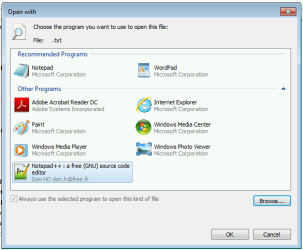
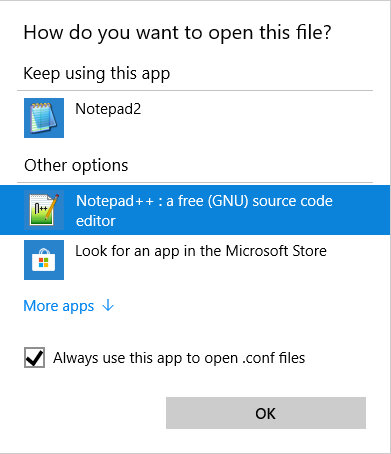
I have a gaming computer loaded with Windows 7. It might have been years for all I know, but this particular OS cannot associate file types to a new custom program. Be it from Windows Explorer or Control Panel, they open the same Open with dialog box.
Despite navigating and explicitly selecting C:\Program Files\Notepad++\notepad++.exe, the Notepad++ does not appear in the updated dialog box, making it impossible to re-associate.
Even if I tried to associate via Notepad++ Preferences UI, the file extensions will be reverted back to regular Notepad the next time I launch up Notepadd++.
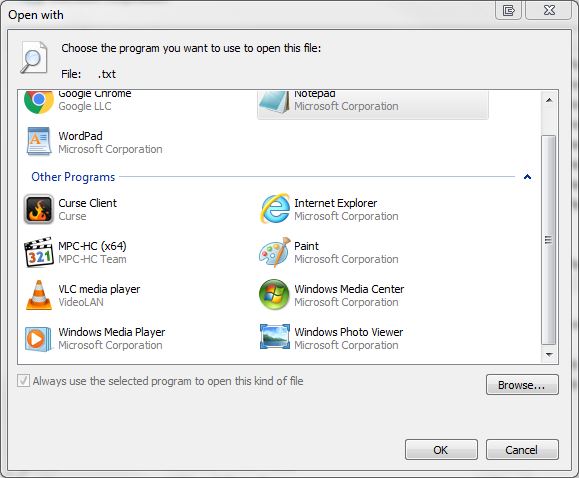
What about this OS has been set to "read-only" mode for file associations? The only programs truly permitted to be the default program handler are the three listed Notepad, Wordpad, and Google Chrome.
Despite navigating and explicitly selecting C:\Program Files\Notepad++\notepad++.exe, the Notepad++ does not appear in the updated dialog box, making it impossible to re-associate.
Even if I tried to associate via Notepad++ Preferences UI, the file extensions will be reverted back to regular Notepad the next time I launch up Notepadd++.
What about this OS has been set to "read-only" mode for file associations? The only programs truly permitted to be the default program handler are the three listed Notepad, Wordpad, and Google Chrome.
My Computer
At a glance
Windows 7 HP x64Intel Core i7-37702x Kingston 8GB Savage DDR3-1600Nvidia Geforce GTX 970
- Computer type
- PC/Desktop
- Computer Manufacturer/Model Number
- custom
- OS
- Windows 7 HP x64
- CPU
- Intel Core i7-3770
- Motherboard
- ASUS P8Z77-V
- Memory
- 2x Kingston 8GB Savage DDR3-1600
- Graphics Card(s)
- Nvidia Geforce GTX 970