
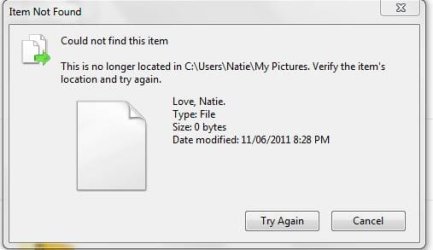
I have a 0 byte file that is in my pictures and I cannot delete/copy/cut it. It's been on my computer for a few years and I've tried to do a lot to get rid of it. The original picture is long gone. When I attempt to open the file, there is no program on my system that can open it. Help please?
My Computer
- Computer type
- Laptop
- Computer Manufacturer/Model Number
- HP
- OS
- Windows 7 Ultimate x64
- Memory
- 285 GB
- Antivirus
- Avast
- Browser
- Chrome, IE
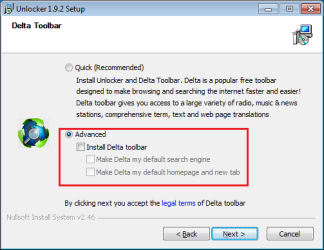

 Thank you so much!!! I was ready to pull my hair out over two files I couldn't get rid of and your solution worked perfectly!!