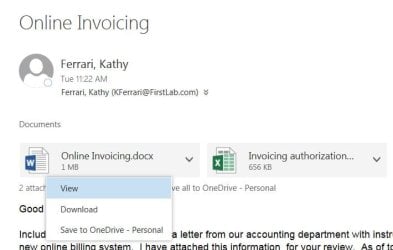
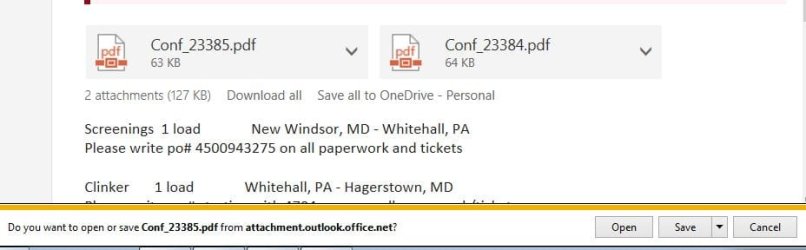
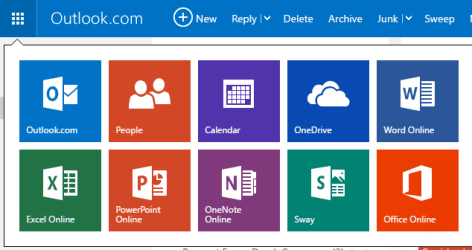
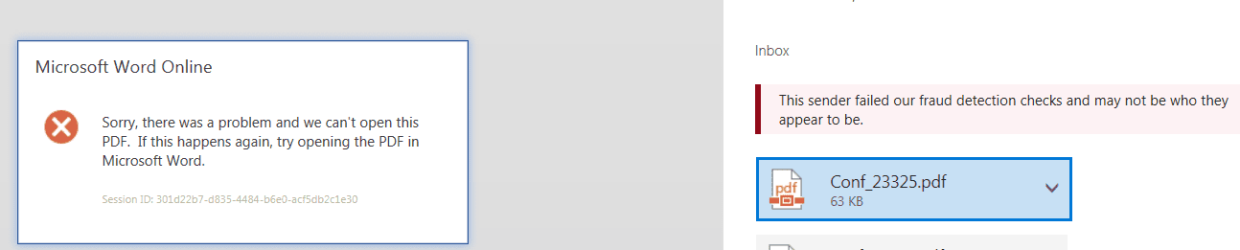
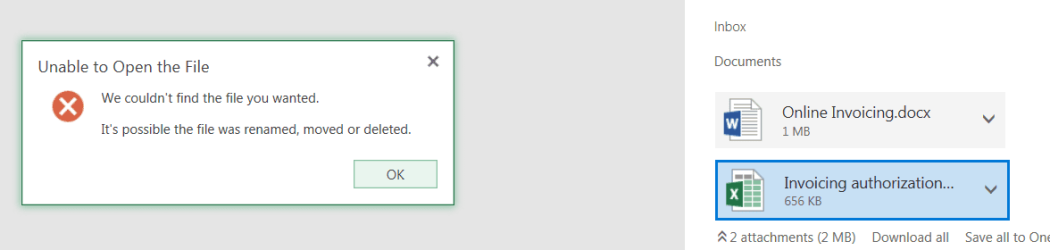
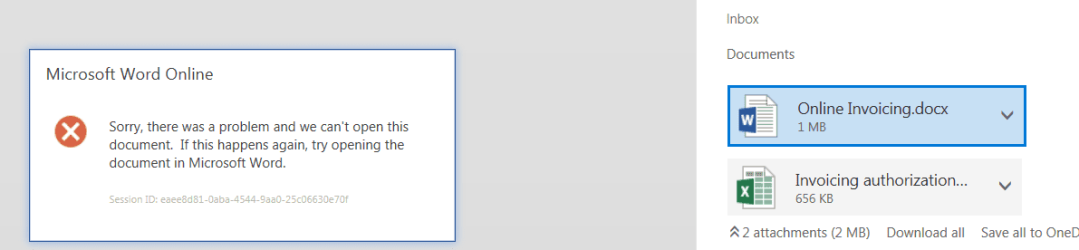
Running Windows 7 Home Premium 64 bit. To access our email we go to msn.com and click on Outlook.com in the upper left of the page. When we open an email with attachments we're given a choice to Open the attachment or to Download it. If we click Open we're taken to an essentially white Outlook.com page with an error message. If I choose Download it again asks me if I want to open it, or where I want to save it. Choosing Open that second time always seems to work, taking me directly into Word, Excel or Adobe Reader depending on whether it's a .docx, .xls or .pdf file. Additionally, if I download the file and save it to a folder it always opens correctly.
Is it a bug in Outlook.com? Or in IE11?
Is it a bug in Outlook.com? Or in IE11?
Attachments
My Computer
- Computer type
- Laptop
- OS
- Windows 7 home premium 64 bit
- CPU
- AMD K10
- Motherboard
- Hewlett-Packard 1444 (Socket S1G4)
- Memory
- 3.00GB Dual-Channel DDR3 @ 532MHz
- Graphics Card(s)
- ATI AMD M880G with ATI Mobility Radeon HD 4250 (HP)
- Sound Card
- Realtek
- Screen Resolution
- 1366 x 768
- Hard Drives
- 465GB Western Digital
- Antivirus
- MSE