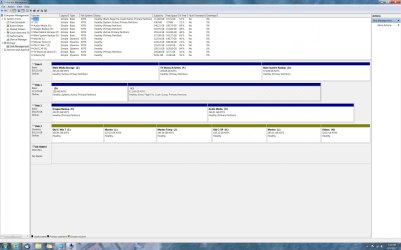
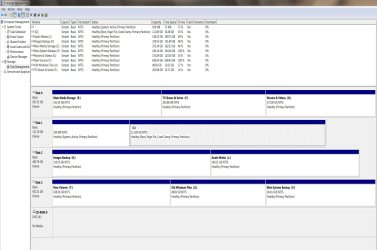
Recently I upgraded my computer by installing a new SSD as my C: main system drive.
I did a fresh install of Win 7 on the new SSD.
The old HD still has the old copy of Win 7 on it.
I want to but cannot remove / delete the old Win 7 folder from the old HD.
I have tried all suggested techniques - turned of UAC, taken ownership of the folder, etc. but nothing works.
No matter what I do I always get the "you will need permission from the administartor", etc. - and I cannot delete the folder.
Any ideas?
I did a fresh install of Win 7 on the new SSD.
The old HD still has the old copy of Win 7 on it.
I want to but cannot remove / delete the old Win 7 folder from the old HD.
I have tried all suggested techniques - turned of UAC, taken ownership of the folder, etc. but nothing works.
No matter what I do I always get the "you will need permission from the administartor", etc. - and I cannot delete the folder.
Any ideas?
My Computer
- OS
- Windows 7 64 bit Professional
- CPU
- Intel Q6600 - no OC
- Motherboard
- EP45-UD3R
- Memory
- g. Skill 8GB
- Graphics Card(s)
- ATI 5770
- Sound Card
- Realtek
- Monitor(s) Displays
- Dell U3011
- Hard Drives
- WD RE3 1TB
WD Caviar Black 1TB
Samsung 500GB
- PSU
- Tagan 450
- Case
- Lian Li
- Internet Speed
- 5 Mbps