
Can't even boot in safe mode or the repair mode or from the Windows installation disk.....always gets stuck at the Windows logo screen where it says "Windows Starting".
When trying to boot normal, I get the "reboot and select proper boot device or insert boot media in selected boot device" error. The only way I can get past this error is by rebooting and going into and exiting the BIOS without changing any settings at all......weird. Then once I get past the error, the computer hangs on at Win logo screen. I dont get this error when booting from the DVD The computer does not halt though, the animation of the windows symbol keeps going.
So far the only things I have done are remove all my USB devices except for the keyboard and disabled the hardware in the BIOS that I don't need for booting.
I have disabled the hard drive when trying to boot from disk and disabled the optical drives when trying to boot from the hard drive but still gets stuck at the screen either way.
Any suggestions would be appreciated...
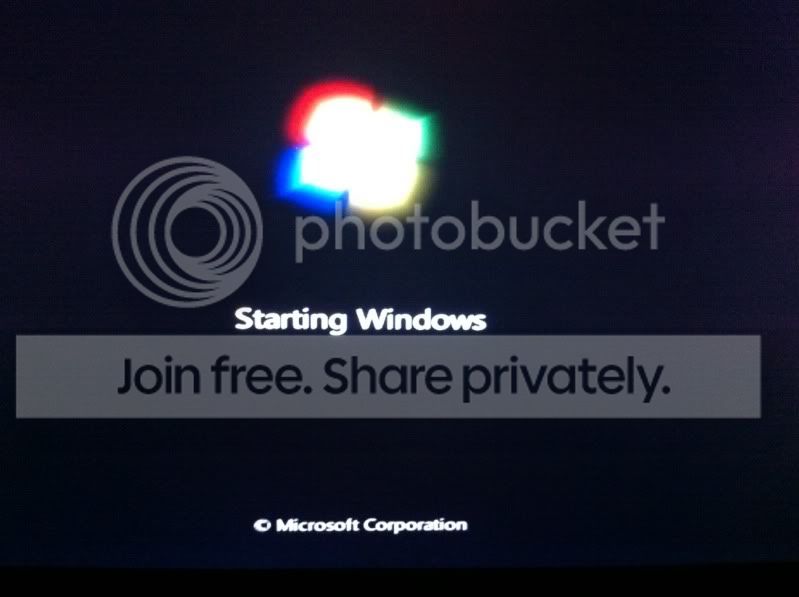
When trying to boot normal, I get the "reboot and select proper boot device or insert boot media in selected boot device" error. The only way I can get past this error is by rebooting and going into and exiting the BIOS without changing any settings at all......weird. Then once I get past the error, the computer hangs on at Win logo screen. I dont get this error when booting from the DVD The computer does not halt though, the animation of the windows symbol keeps going.
So far the only things I have done are remove all my USB devices except for the keyboard and disabled the hardware in the BIOS that I don't need for booting.
I have disabled the hard drive when trying to boot from disk and disabled the optical drives when trying to boot from the hard drive but still gets stuck at the screen either way.
Any suggestions would be appreciated...
Last edited:
My Computer
- Computer Manufacturer/Model Number
- Custom Built (April 2009)
- OS
- Desktop: Windows 7 Ultimate 32 bit Laptop: Windows 7 64 bit
- CPU
- Intel Quad Core i7 920
- Motherboard
- Asus P6T Deluxe
- Memory
- Cosair XMS 6GB Kit
- Graphics Card(s)
- BFG Tech-GeForce 8600 GTS
- Sound Card
- On-Board
- Monitor(s) Displays
- HP 22" w2207
- Hard Drives
- (2) Western Digital Raptor 36.7GB 10000 RPM RAID-0
- PSU
- Cooler Master Extreme 600W
- Case
- Cooler Master HAF 932 Case
- Cooling
- Zalman CNPS9900 CPU Cooler
- Other Info
- - DVD-ROM
- DVD Dual Layer Burner


