
puddleglum
New member
- Local time
- 4:12 PM
- Messages
- 17
I'm in windows explore trying to clean up my music folders. I don't use album art so I am trying to delete it but it just re-installs itself as soon as I delete it. 
I found an old post about turning off some thing in the Library and about auto down loading stuff from the internet, I assume they were talking about WMP, but I'm in windows explore and I use Winamp Pro not WMP. [WMP is installed thought]
Any ideas out there?
Thanks!
I found an old post about turning off some thing in the Library and about auto down loading stuff from the internet, I assume they were talking about WMP, but I'm in windows explore and I use Winamp Pro not WMP. [WMP is installed thought]
Any ideas out there?
Thanks!
My Computer
At a glance
windows 7 professional (student download)Core 2 Duo T5270 1.4 gig hz2 gig
- Computer Manufacturer/Model Number
- Dell Vostros 1500 Laptop
- OS
- windows 7 professional (student download)
- CPU
- Core 2 Duo T5270 1.4 gig hz
- Memory
- 2 gig
- Hard Drives
- Internal 160 G
External 160 G
External 1.5 T


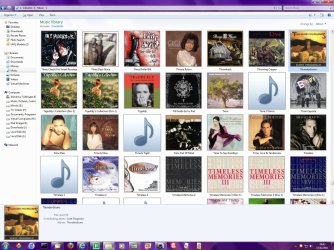
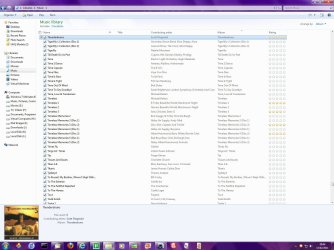
 I would use the detail view for sure. Actuall I don't use the library folders I just open my music player, in fact do you know how to get rid of the library folder? I should look for a utility program that would let me totally format the way windows explore window would look when it opens.


