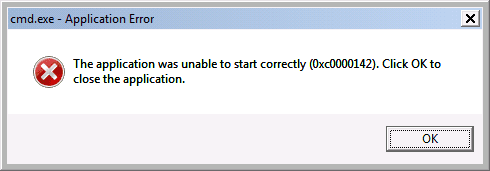
I noticed a few weeks back that the audio wasn't working as well as the screen brightness was very low but did not have a chance to look into. This week I attempted to "fix" that issue but seems to be due to the power service not starting. I also encountered a BSOD when right clicking on the power option in the control panel.
I received this error when attempting to start the power service in the services tool:
Power service - Windows could not start the Power services on Local Computer.
Error 127: The specified procedure could not be found.
I did see this post which seems to be related to my issue:
Hi
as this started in audio and moved onto graphics
please check/update your drivers for both
(note there may be more than 1 for each option)
As for not being able to run CMD, sounds like theres something more to this than software
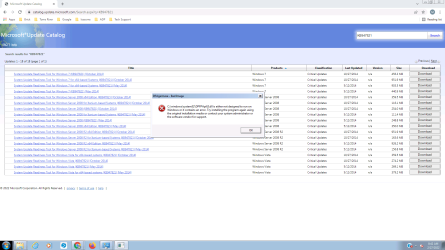
Please visit the MS catalogue site download and run KB947821 x64 version (its a system repair tool)
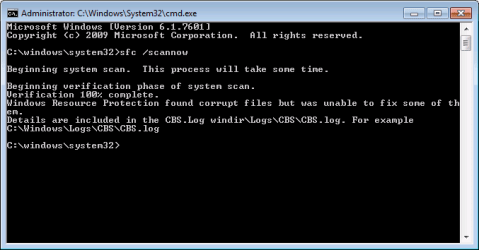
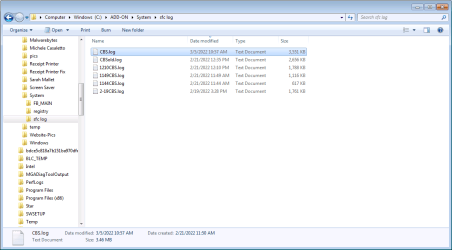
(by the way SFC log was not complete.. wouldn't hurt to run it again)
Thanks for the information. Do you have specific commands to run to check the audio/graphics drivers?
When I went to download KB947821 I was presented with more than one item to download and just wanted to confirm that I'd be only downloading this .msu (windows6.1-kb947821-v34-x64_cc4a605bcda8288af75983312e8fb25367e98fdd)
Thanks in advance.
- - - Updated - - -
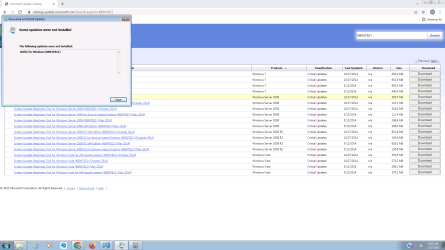
When I tried running the tool, i received this error:
FYI, I have Norton 360 and Malwarebytes running on this computer
- - - Updated - - -
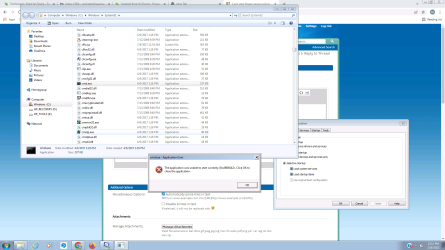
i don't know what caused this error but it occurred after i switched from one user to another and back.
Attachments
image.png
54.7 KB
· Views: 1
My Computer
At a glance
Windows 7 Pro SP1 64 bitIntel Core i5 (6th Gen) 6500 / 3.2 GHz6MB cacheIntel HD Graphics 530 Dynamic Video Memory Te...
Computer type
PC/Desktop
Computer Manufacturer/Model Number
HP ProOne 600 G2 21.5-in
OS
Windows 7 Pro SP1 64 bit
CPU
Intel Core i5 (6th Gen) 6500 / 3.2 GHz
Memory
6MB cache
Graphics Card(s)
Intel HD Graphics 530 Dynamic Video Memory Technology
If I'm following you correctly, I downloaded the 2nd item listed but the download shows many executables to choose from.
windows6.1-kb947821-v34-x64_cc4a605bcda8288af75983312e8fb25367e98fdd.msu is what I downloaded and attempted to run with user that has admin privileges.
Thanks again.
My Computer
At a glance
Windows 7 Pro SP1 64 bitIntel Core i5 (6th Gen) 6500 / 3.2 GHz6MB cacheIntel HD Graphics 530 Dynamic Video Memory Te...
Computer type
PC/Desktop
Computer Manufacturer/Model Number
HP ProOne 600 G2 21.5-in
OS
Windows 7 Pro SP1 64 bit
CPU
Intel Core i5 (6th Gen) 6500 / 3.2 GHz
Memory
6MB cache
Graphics Card(s)
Intel HD Graphics 530 Dynamic Video Memory Technology
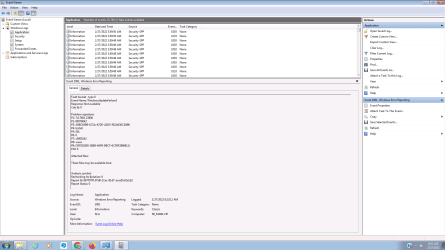
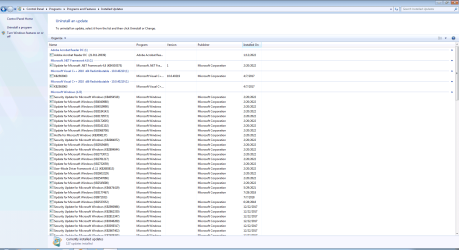
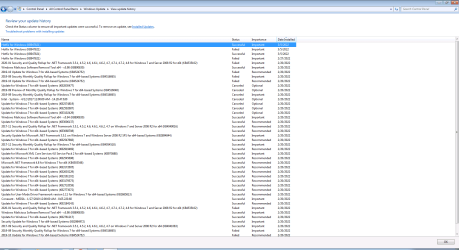
I changed to "never check for update" and although it shows it was installed on update history, I don't see it installed on removed an update. Shouldn't it have run once it was installed as well?
My Computer
At a glance
Windows 7 Pro SP1 64 bitIntel Core i5 (6th Gen) 6500 / 3.2 GHz6MB cacheIntel HD Graphics 530 Dynamic Video Memory Te...
Computer type
PC/Desktop
Computer Manufacturer/Model Number
HP ProOne 600 G2 21.5-in
OS
Windows 7 Pro SP1 64 bit
CPU
Intel Core i5 (6th Gen) 6500 / 3.2 GHz
Memory
6MB cache
Graphics Card(s)
Intel HD Graphics 530 Dynamic Video Memory Technology