fataldarkness
New member
- Local time
- 3:11 AM
- Messages
- 24
Ok here is the scoop:
I currently have a laptop running Win 7 x64 and I also have a desktop. This desktop, has a blank HDD. This desktop also has no optical CD/DVD drive installed currently. This means then that I must use a pendrive formatted to FAT (NOT FAT32 or NTSC) because this build is quite old but still has good hardware. I downloaded the official x64 Win7 Ultimate .iso file from microsoft. I now have two problems:
1)Windows 7 USB DVD Download Tool says that the OFFICIAL .iso file is invalid and wont let me create a bootable usb stick. This I resolved by doing it manually using the program PowerISO to extract the files to the FAT formatted usb drive
2)It works... well sort of, I get to the "Install Now" screen and click that. Setup begins. The first screen i am faced with says that it is missing CD/DVD drivers with the error message "A required CD/DVD drive device driver is missing. If you have a driver floppy disk, CD, DVD, or USB flash drive, please insert it now. ". My question is WHAT DRIVERS?!, there is no CD/DVD drive and the setup wont let me past until I pick one.
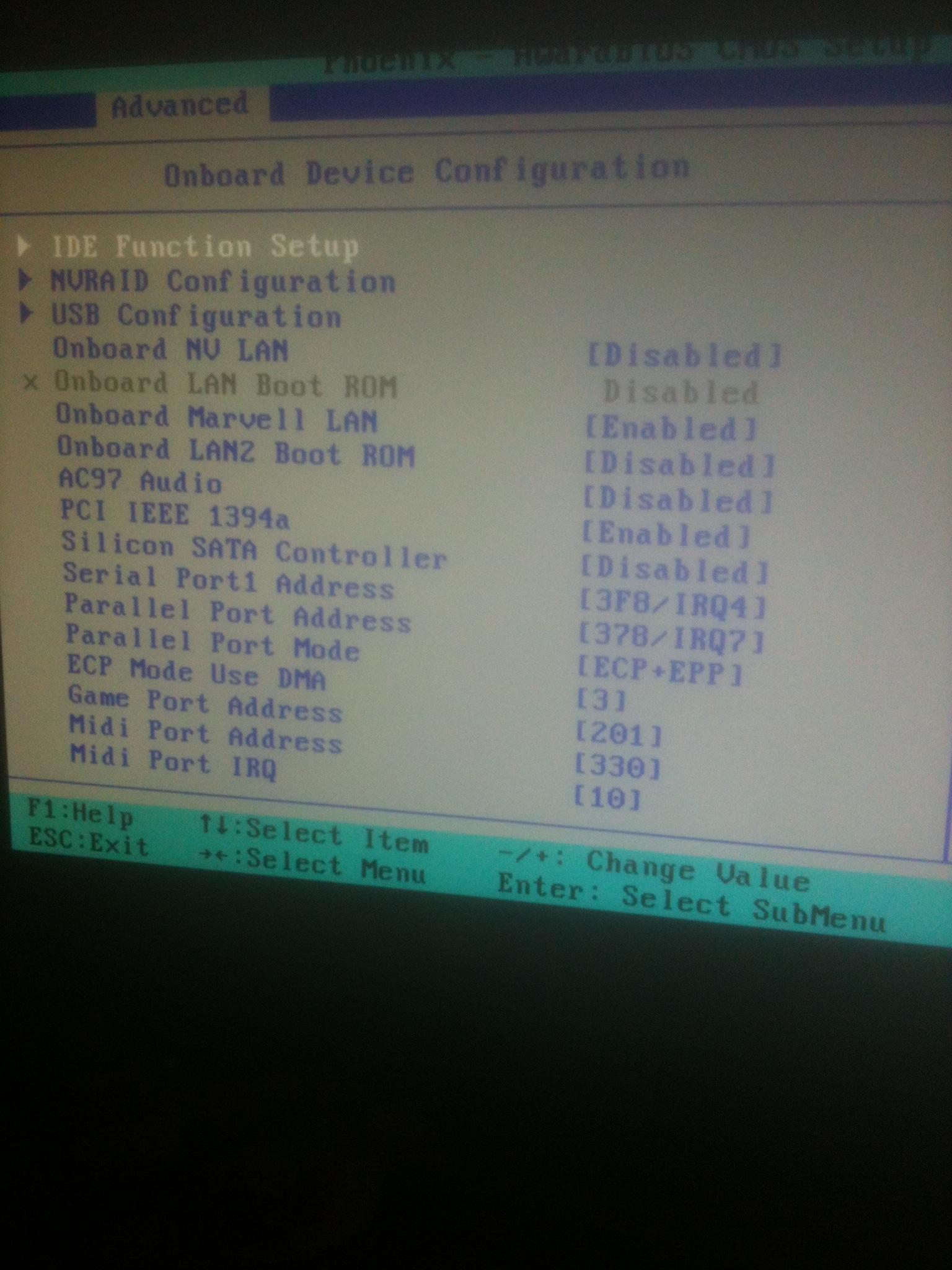
For #2 I've read a couple threads and they said to switch from SATA to AHCI. Unfortunately i am unable to do this because my BIOS is Phoenic -AwardBIOS. Can somebody please tell me what i need to do because I am completely stumped.
EDIT: FYI the HDD is very old but still in working order
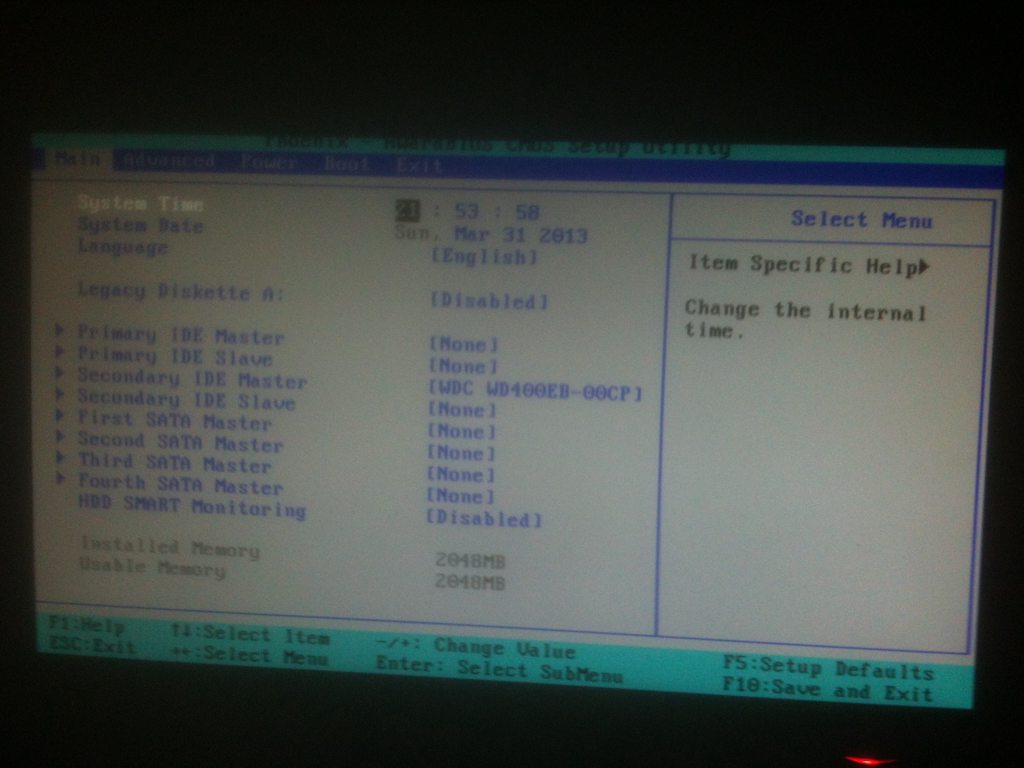
The BIOS you are referring to probably does not look like you first envisioned it. I have no idea what version it is but it looks pretty much exactly like the one shown in this picture (http://h10025.www1.hp.com/ewfrf-JAVA/Doc/images/269/c01...). I cannot see any potions relating to NATIVE SATA DISABLED in there. Also the HDD I am using is a WD400EB, a very old one.
I have also tried the following
- New copy of the iso
-WintoUsb and Windows DVE/USB downloader tool also manual methods
-Trying a new HDD of the same type
-Using a new flash memory stick
-Turning off and on again
-Completly removing the HDD
-Actually trying to find drivers
Here is a picture of the error message (http://1.bp.blogspot.com/-ugefOgcZ1ZQ/TwkaBb2SYUI/AAAAA...)
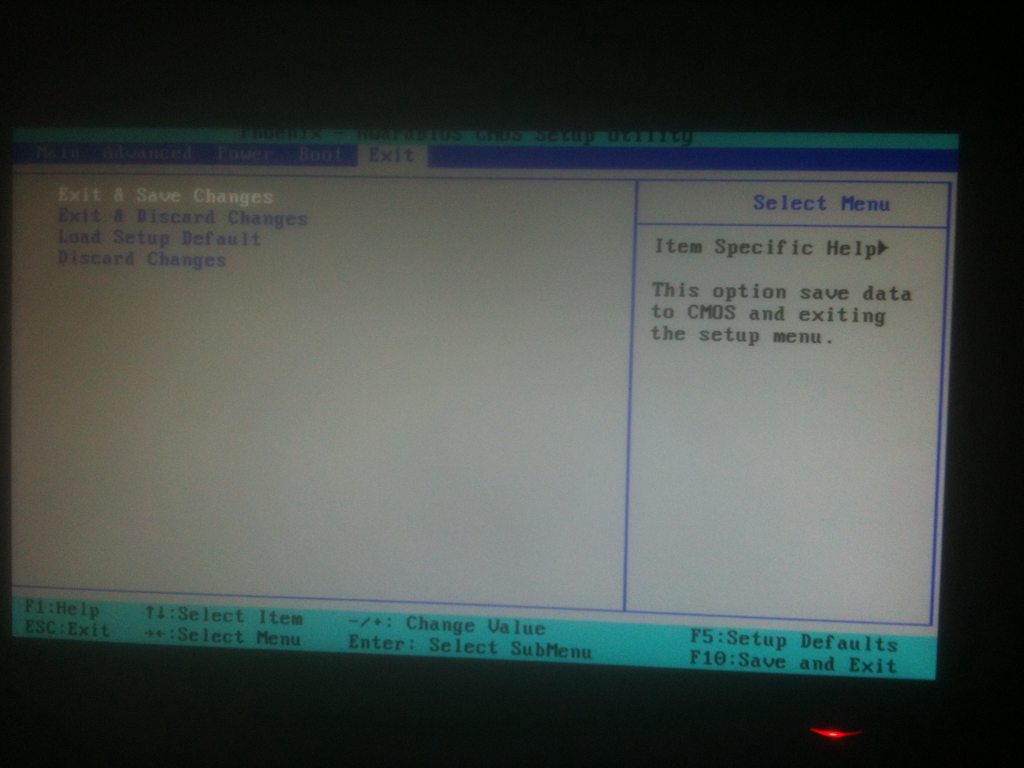
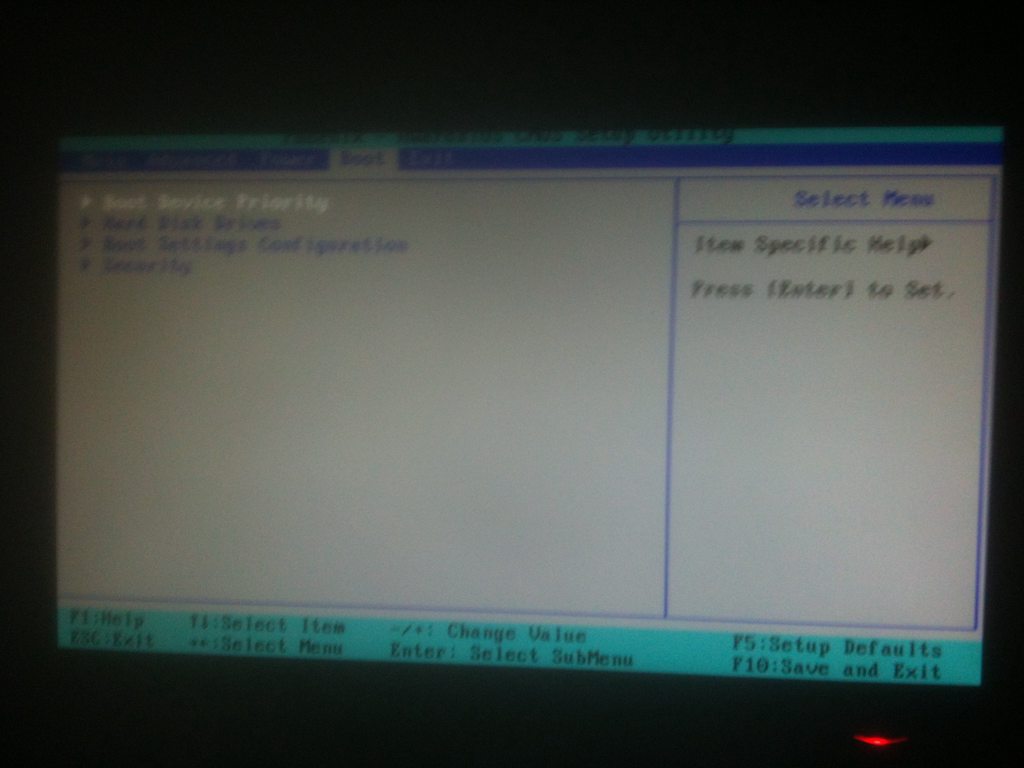
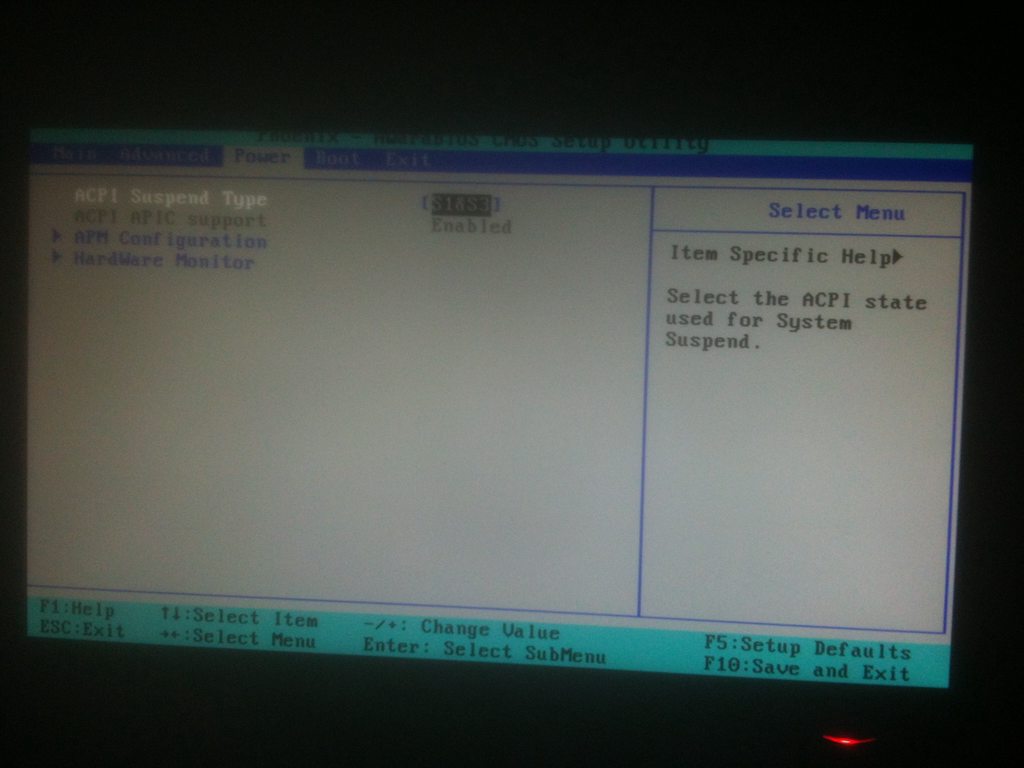
And more pics of the BIOS taken with a potato (Other BIOS pics - Imgur)
I haven't got a hardware list as this computer is just too old for me to remember
I currently have a laptop running Win 7 x64 and I also have a desktop. This desktop, has a blank HDD. This desktop also has no optical CD/DVD drive installed currently. This means then that I must use a pendrive formatted to FAT (NOT FAT32 or NTSC) because this build is quite old but still has good hardware. I downloaded the official x64 Win7 Ultimate .iso file from microsoft. I now have two problems:
1)Windows 7 USB DVD Download Tool says that the OFFICIAL .iso file is invalid and wont let me create a bootable usb stick. This I resolved by doing it manually using the program PowerISO to extract the files to the FAT formatted usb drive
2)It works... well sort of, I get to the "Install Now" screen and click that. Setup begins. The first screen i am faced with says that it is missing CD/DVD drivers with the error message "A required CD/DVD drive device driver is missing. If you have a driver floppy disk, CD, DVD, or USB flash drive, please insert it now. ". My question is WHAT DRIVERS?!, there is no CD/DVD drive and the setup wont let me past until I pick one.
For #2 I've read a couple threads and they said to switch from SATA to AHCI. Unfortunately i am unable to do this because my BIOS is Phoenic -AwardBIOS. Can somebody please tell me what i need to do because I am completely stumped.
EDIT: FYI the HDD is very old but still in working order
The BIOS you are referring to probably does not look like you first envisioned it. I have no idea what version it is but it looks pretty much exactly like the one shown in this picture (http://h10025.www1.hp.com/ewfrf-JAVA/Doc/images/269/c01...). I cannot see any potions relating to NATIVE SATA DISABLED in there. Also the HDD I am using is a WD400EB, a very old one.
I have also tried the following
- New copy of the iso
-WintoUsb and Windows DVE/USB downloader tool also manual methods
-Trying a new HDD of the same type
-Using a new flash memory stick
-Turning off and on again
-Completly removing the HDD
-Actually trying to find drivers
Here is a picture of the error message (http://1.bp.blogspot.com/-ugefOgcZ1ZQ/TwkaBb2SYUI/AAAAA...)
And more pics of the BIOS taken with a potato (Other BIOS pics - Imgur)
I haven't got a hardware list as this computer is just too old for me to remember
My Computer
At a glance
Windows 7 home Premium 64bitIntel Core i7-36108192MB RamNvidia GeForce GT 650M 2GB
- Computer type
- Laptop
- Computer Manufacturer/Model Number
- Alienware - Dell
- OS
- Windows 7 home Premium 64bit
- CPU
- Intel Core i7-3610
- Memory
- 8192MB Ram
- Graphics Card(s)
- Nvidia GeForce GT 650M 2GB
- Sound Card
- SoundBlaster Recon 3di
- Monitor(s) Displays
- 14" 720p laptop screen & 24" LG 1080p monitor
- Screen Resolution
- 1366x768 & 1920x1080
- Hard Drives
- 455GB SATA on NTFS
- PSU
- 120 Watt Alienware charging cord
- Keyboard
- Steelseries Merc Stealth
- Mouse
- LG - Unknown
- Internet Speed
- 5.00 MBps
- Antivirus
- Microsoft Security Essentials
- Browser
- Google Chrome