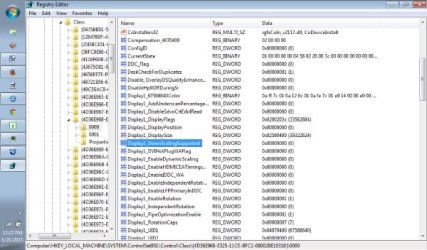
I'm using a Toshiba Netbook NB505 running Windows 7 Starter.
When I try installing Canon photo software, the install fails due to the lower resolution setting of the netbook (1024 x 600). I had read elsewhere that a way around this was to go into screen resolution > advanced settings > monitor - and un-check "Hide modes that this monitor cannot display".
That option is grayed out for me. Do any of you guys know why this is grayed-out, or have a work-around for this?
When I try installing Canon photo software, the install fails due to the lower resolution setting of the netbook (1024 x 600). I had read elsewhere that a way around this was to go into screen resolution > advanced settings > monitor - and un-check "Hide modes that this monitor cannot display".
That option is grayed out for me. Do any of you guys know why this is grayed-out, or have a work-around for this?
My Computer
At a glance
Windows 7 32bit
- Computer Manufacturer/Model Number
- Toshiba NB505 Netbook
- OS
- Windows 7 32bit