alitheturk
New member
- Local time
- 9:55 AM
- Messages
- 11
I believe I have windows 7 home premium for 64 bit systems.
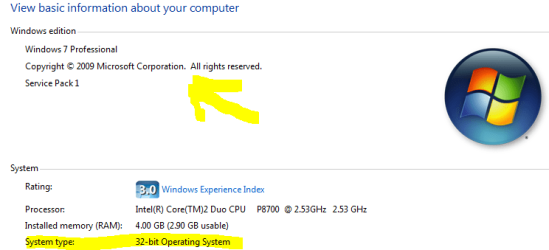
when goto as stated above says
Windows 7 Home Premium
service pack 1
no mention for 64 bit systems.
I don't understand that. Allthough I see under System says 64 bit 'hardware'(which I have)
I do know sp 1 for 64 bit systems was an update I installed in feb. 2011 -but do that change my windows edition? do other updates since then?
when goto as stated above says
Windows 7 Home Premium
service pack 1
no mention for 64 bit systems.
I don't understand that. Allthough I see under System says 64 bit 'hardware'(which I have)
I do know sp 1 for 64 bit systems was an update I installed in feb. 2011 -but do that change my windows edition? do other updates since then?
My Computer
At a glance
win 7 64 bit
- OS
- win 7 64 bit