- Local time
- 8:18 PM
- Messages
- 260
great tips (Removing format from context menu)
If you know your way around ya MS keyboard (f2 rename, ctrl+x|c|v cut|copy|paste etc)... why not get rid of all them duplicate context menu entries?
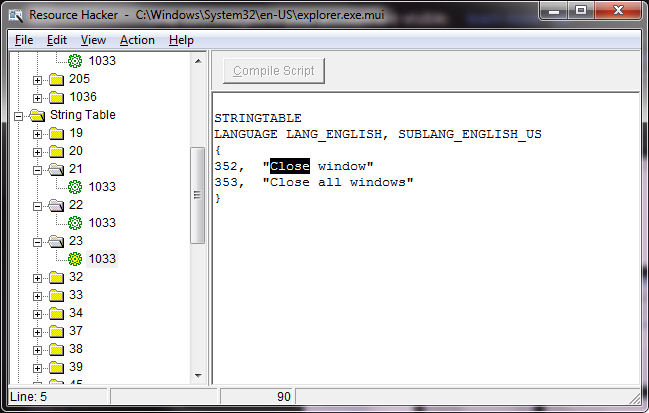
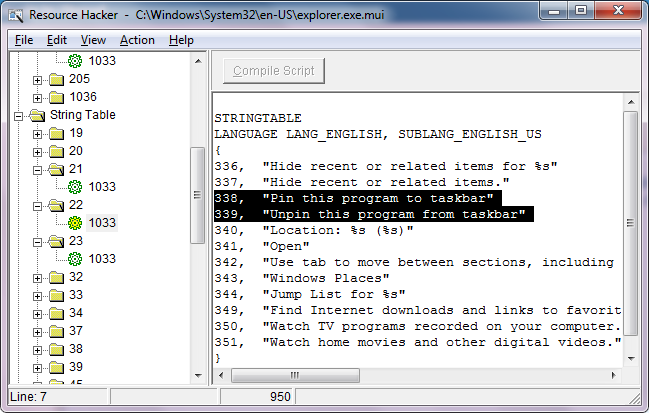
You need to take ownership of shell32.dll.mui (in sys32\en-us). make a copy, and modify the copy with resource hacker. (I deleted each menu item, from menu > 210, leaving just the shortcut item)
Compile the changes, rename the original file, and paste the new copy of shell32.dll.mui to windows\system32\en-us
If you're on 64-bit, copy the new file to windows\syswow64\en-us also (after taking ownership and renaming the original).
The result?
(Current) new extended context

If you know your way around ya MS keyboard (f2 rename, ctrl+x|c|v cut|copy|paste etc)... why not get rid of all them duplicate context menu entries?
You need to take ownership of shell32.dll.mui (in sys32\en-us). make a copy, and modify the copy with resource hacker. (I deleted each menu item, from menu > 210, leaving just the shortcut item)
Compile the changes, rename the original file, and paste the new copy of shell32.dll.mui to windows\system32\en-us
If you're on 64-bit, copy the new file to windows\syswow64\en-us also (after taking ownership and renaming the original).
The result?
(Current) new extended context
My Computer
At a glance
Windows 7 Ultimate 64bit2.28GbNVIDIA
- Computer type
- Laptop
- Computer Manufacturer/Model Number
- Dell
- OS
- Windows 7 Ultimate 64bit
- CPU
- 2.2
- Memory
- 8Gb
- Graphics Card(s)
- NVIDIA
- Screen Resolution
- 1280/762
- Mouse
- built in pad || iphone || MS wireless
- Internet Speed
- 100MB
- Antivirus
- Avast
- Browser
- Chrome, Chrome portable