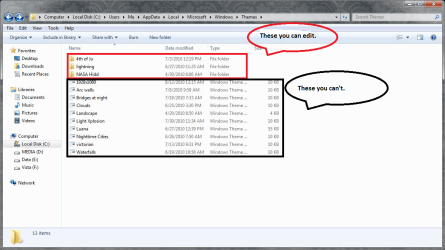
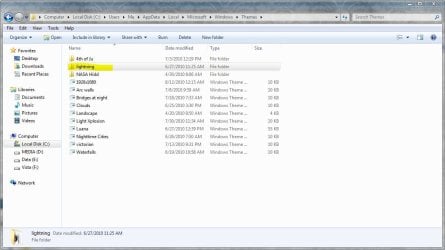
As I go about learning to customize a theme, all kinds of things are happening. I've developed a theme that is made up of some pictures I've taken and placed into Picasa. However, when I placed them into the theme, I found out that these pics were not the photo processed pictures I did in Picasa. but the originals. I had loaded them into the theme instead of loading the "saved as" processed pics. So, I then loaded the processed pics into the theme and now I have doubles within the theme: originals and processed. Of course, I only want the processed pics to show. I know that this can be done by clearing all and then selecting just those that I want to show on the desktop by checking their boxes in the upper left hand corner of the thumbnail. But I don't want the duplicates to remain and I can't delete them and jsut leave the processed pics in the theme. Is there any way to delete indifidual pics from a theme, or must one delete the whole theme and start over?
My Computer
- Computer Manufacturer/Model Number
- Gateway DX4720-03/HP Pavilion dv6
- OS
- Windows 7 HP 64-bit
- Memory
- 4GB/4GB
- Antivirus
- Avast Pro
- Browser
- Firefox, the latest