
- Local time
- 10:38 PM
- Messages
- 20
Please avoid McAfee products. McAfee does not have a good reputation among forum members here.
MSE or Panda will serve you well - for free.
Thanks.
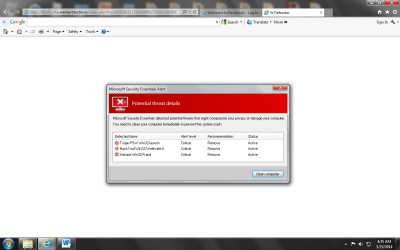
One thing though. Several years ago, I had a real problem with Microsoft's Security Essentials popping up on my computer while I had Norton protecting my computer. It looked like a virus as I did not go on any Microsoft website and ask for it nor was it in my Windows Update as a download option. That was on my Dell with XP. It continued for months. My computer finally fell victim to more problems and became unusable. I switched to another computer that I kept as a back up. In those days, I was really clueless about how the ways a computer could be attacked even with all the protection in the world.
My Computer
At a glance
Windows 7 Professional 64
- Computer type
- PC/Desktop
- OS
- Windows 7 Professional 64


