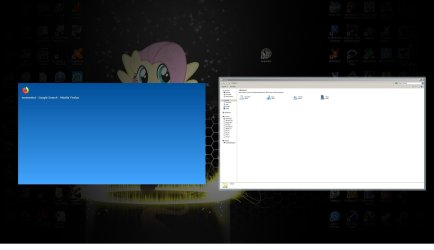
I have never seen such a thing. It looks like it may be some kind of screenshot invoked by some misbehaving program. That's just a guess. If you can remember back when this first started and any programs or settings you installed this might clue you in as to what it could possibly be that is doing this.
The program Autoruns may help look at any programs, services or DLLs that are loaded that could help narrow down something that is triggering this.
Autoruns for Windows - Windows Sysinternals | Microsoft Docs
This is one reason why I use a program that helps with malware prevention and possible removal called Freefixer. The name doesn't suggest what it does. What it does is list all the modules, DLLs and stuff and next to each entry you can click a URL and get more information on what it is. Then with subsequent runnings of Freefixer it will list any new DLLs and what have you that have been added to the OS since it last ran helping you to pin down something rouge that may have installed its self on your computer. Or in fact help pin down something interfering with your computer. Although in this case, using Freefixer now wouldn't help since you most likely never had it before or installed before and ran any scans to create a baseline to go off of. If you did it could clue you in to any new DLLs and what not that are now on the system that are potentially causing this issue. But running it now will list what you have on your computer and you can research DLLs and what note you're not too sure of with the accompanying URL link.
Probably not malware, and you are running Avast, but for the hell of it run Sanity Check and see what it says. Do note that sometimes it will blue screen your computer. It happens to me every once in a great while and I have asked support about that and they are aware of the issue but can't pin it down as it doesn't happen to everyone. But Sanity Check is a good tool to have in the arsenal as a kind of second opinion on possible malware. It's why it's called Sanity Check. LOL
Resplendence Software - Free Downloads
About the Sanity Check results. It may report false positives based on any product that doesn't have a company name, etc. This isn't necessarily a bad thing, it just means the software programmer decided to not to add a company name to the executable. But malware may not have a company name and if you see something there without a company name and it's not anything you recognize or find through a Google search or in fact using Autoruns to see what is with a search, then it may be malware. But you need to really know how to research something like that and what to look for. Autoruns is one tool to narrow a false positive down. I can tell you that when I run Sanity Check on my laptop it always reports a program that may be malware. But when I look it up in Autoruns I quickly see it's related to the SD card slot in the laptop.