Hi,
I bought my toshiba l505-s5998 model last dec. I was planning to shrink the my c:\ location as its 320GB and i want to have an another drive with 100GB space shrinked from the c:\ drive.
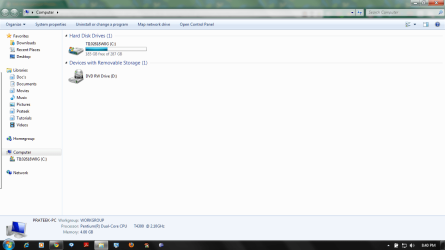
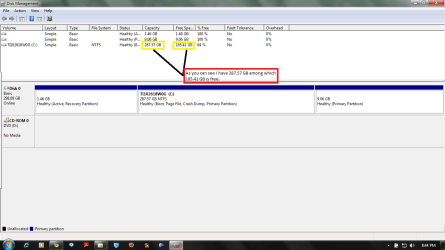
But when i tried doing it using diskmgmt.msc it show me only 1008MB available though i have 185 GB of free Space. How do i solve this issue. I am not able to see the actual free space in the diskmanagement application.
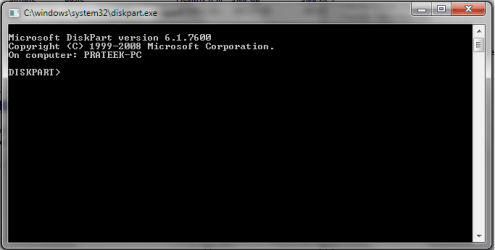
I even tried to do using the cmd prompt but was unsuccesful to do it.
Can any one guide me how to resolve this issue and shrink my drive.
Thanks,
Prateek Agarwal
I bought my toshiba l505-s5998 model last dec. I was planning to shrink the my c:\ location as its 320GB and i want to have an another drive with 100GB space shrinked from the c:\ drive.
But when i tried doing it using diskmgmt.msc it show me only 1008MB available though i have 185 GB of free Space. How do i solve this issue. I am not able to see the actual free space in the diskmanagement application.
I even tried to do using the cmd prompt but was unsuccesful to do it.
Can any one guide me how to resolve this issue and shrink my drive.
Thanks,
Prateek Agarwal
My Computer
- Computer Manufacturer/Model Number
- Toshiba L505-s5998
- OS
- Windows 7 Home Premium 64 bit
- CPU
- Intel
- Motherboard
- Intel
- Memory
- 4 Gb
- Graphics Card(s)
- Intel
- Sound Card
- Realtek
- Hard Drives
- 320 GB