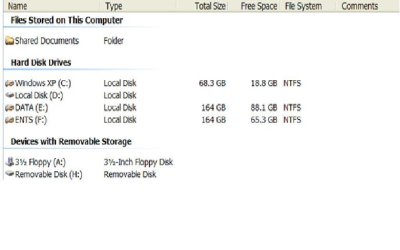
Do you have your Seven partition hidden from XP? You might have done this to prevent XP from deleting Seven's restore points.
See this Vista tutorial:
Hide restore points, it works the same for Seven. Look in the XP registry (run regedit.exe) for the XP registry setting mentioned in the tutorial (.../MountedDevices/Offline).
WARNING! If you enable XP to see the Seven partition, XP
will delete Seven's restore points. This is not a good thing.
If you absolutely must see some of the files in the Seven partition, you can simply (from within Seven) put them into a folder in the XP partition or create a separate partition that both Seven and XP can see.
CAUTION! Be very careful about using Seven to create and save files or even access files within the XP partition. Seven may apply its permissions to files it has accessed making those files unavailable to XP, it might even make those files unusable or undeletable from XP. This can cause XP to become unstable or even prevent it from running.
There are reasons that Microsoft did not allow upgrading from XP to Seven, the above reason is one of them. MS wants you to totally abandon XP and has made little effort to provide side-by-side compatibility between Seven and XP.