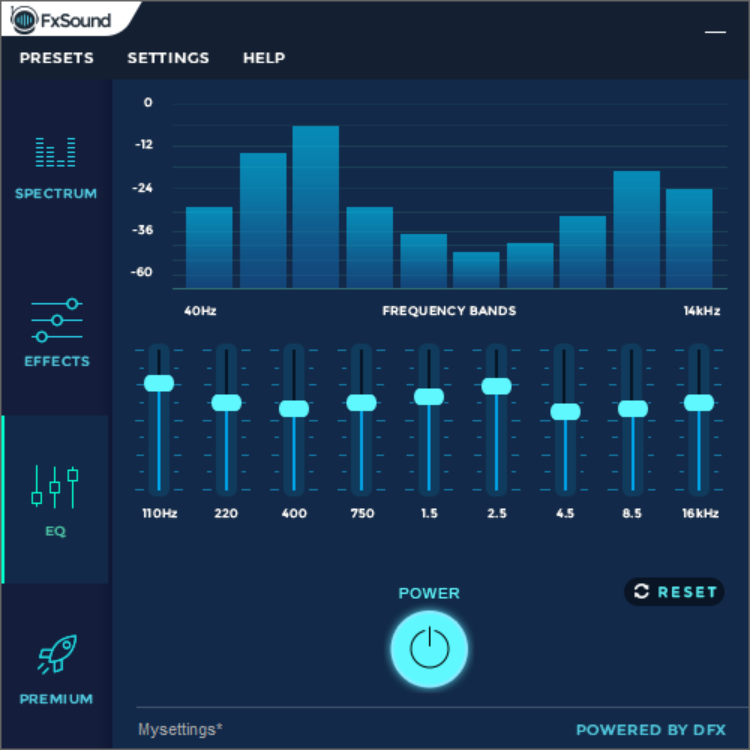
For anyone wanting to find the EQ settings... (It's only a 10 channel EQ, but better than nothing  )
)
1) Go to your toolbar and right click on the sound icon and choose playback settings
2) Select your playback device, and click settings
3) Go over to Enhancements and look through the scroll-down menu
4) Under there, an option for "Equalizer" will probably be unchecked. Check it, and go down to the ellipses at the bottom of the screen.
*NOTE* I found that you can't do EQ settings on HDMI outs, but the sound out on the board (maybe even audio cards. I don't have one to check) works fine.
It has some presets, but who doesn't like mixing their own feed?
)1) Go to your toolbar and right click on the sound icon and choose playback settings
2) Select your playback device, and click settings
3) Go over to Enhancements and look through the scroll-down menu
4) Under there, an option for "Equalizer" will probably be unchecked. Check it, and go down to the ellipses at the bottom of the screen.
*NOTE* I found that you can't do EQ settings on HDMI outs, but the sound out on the board (maybe even audio cards. I don't have one to check) works fine.
It has some presets, but who doesn't like mixing their own feed?
My Computer
- Computer type
- PC/Desktop
- Computer Manufacturer/Model Number
- QuentinX5 - Custom Build
- OS
- Windows 7 Professional x64
- CPU
- Intel i7 4771 @ 3.6 GHz
- Motherboard
- ASUS ROG Maximus IV
- Memory
- 8 GB DDR3-1333
- Graphics Card(s)
- NVIDIA GeForce GTX 750Ti
- Monitor(s) Displays
- Samsung 23" & Acer 19" Widescreen Displays
- Hard Drives
- OCZ Technology Vertex4 256 GB SSD
Western Digital Blue 1 TB HD
- Cooling
- Stock fan/chassis fan cooling
- Keyboard
- Logitech G510s Gaming Keyboard
- Mouse
- Logitech M510
- Internet Speed
- Comcast ISP
- Antivirus
- Kaspersky Internet Security
- Browser
- Mozilla/Chrome