

Yes just shut down the computer remove the power cable and press the PC ON button for 30 seconds or so to discharge whatever power remains in the system and connect it inside as you would any other SATA hard drive. If you have no more SATA ports just disconnect your DVD drive or secondary drive then reconnect when done saving the data on it. You can also always use it as a secondary drive if it's still healthy enough
My Computer
At a glance
Windows 7 Ultimate x64Q6600 3.1ghzKingston DDR2 6400 8GBGigabyte Radeon HD 6850 1GB 256-Bit
- Computer type
- PC/Desktop
- Computer Manufacturer/Model Number
- Home Made
- OS
- Windows 7 Ultimate x64
- CPU
- Q6600 3.1ghz
- Motherboard
- Gigabyte GA-P35-DS3L
- Memory
- Kingston DDR2 6400 8GB
- Graphics Card(s)
- Gigabyte Radeon HD 6850 1GB 256-Bit
- Sound Card
- On board
- Monitor(s) Displays
- Acer X243H
- Screen Resolution
- 1920x1080
- Hard Drives
- Intel 330 120GB SSD
WD 2TB 7200
- PSU
- Thermaltake Toughpower 750W Semi Modular
- Case
- Modified Alienware
- Keyboard
- A4Tech
- Mouse
- Gigabyte ECO600
- Antivirus
- Comodo
- Browser
- Cyberfox
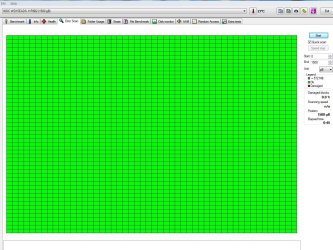
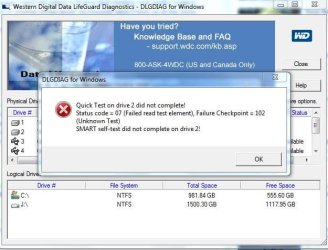
 .
.


