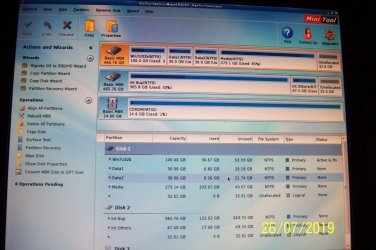
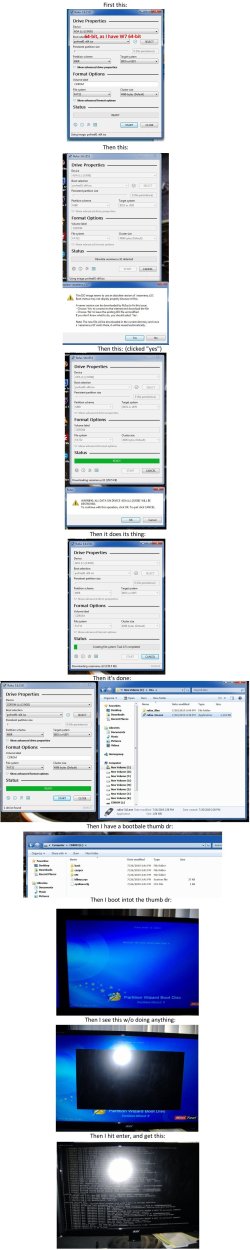
OK. You have to research and find out why it didn't work for you. Try doing it on another working pendrive.
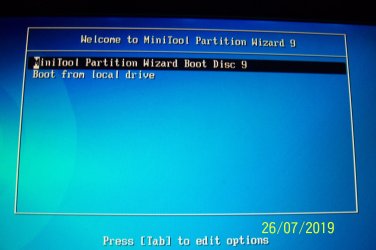
Screenshots of my bootable pendrive (created two days ago to write my post #16)
SANDisk Cruzer Blade 16GB pendrive (shot with my old Kodak Easyshare V530 Camera)
I have just pulled out my Dell Inspiron Laptop - which I rarely use - running Windows 7 Home Premium 64 bit and updating it. Will create the bootable PW pendrive and check what happens. May take sometime.
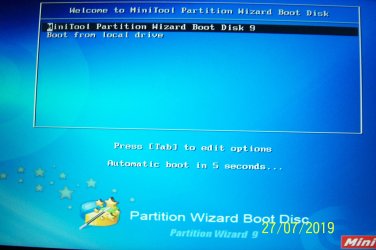
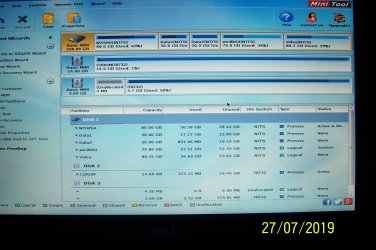
I successfully created my rufus run bootable PW pendrive on my Windows 7 64 bit laptop using 64bit PW9.1 ISO. Booted with it on my laptop. It booted into Partition Wizard. No problem.
This is my dual boot (Win7HP 64bit/ Win8.1 64bit) DELL Inspiron 1120 laptop
I can't guess why you have a problem with it. It is on your head to sort it out if you want to . ( My head is clear now )
I shall standby with my recommendation.
If you are running Rufus on a Windows 32bit system, use pwfree91-x86.iso to create your Bootable PW pendrive.
If you are running Rufus on a Windows 64bit system, use pwfree91-x64.iso to create your Bootable PW pendrive.
Irrespective, you can boot into PW on any system (32bit or 64 bit or even a bare disk - which you may want to format ) because you are booting into Linux from an external pendrive and the installed Windows on that system does not come into play.