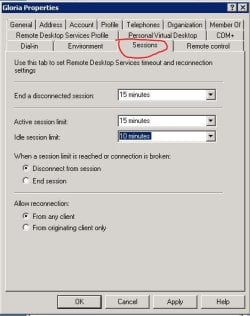
Here's my issue, I would like to RDP to a Windows 7 laptop. Even with Administrative privledges, it will tell me "Waiting for user to respond". I would like to either switch users via RDP, or force them to log off without prompting.
Server is SBS 2008. I already have "Set Rules for remote control of Terminal Services user sessions" to Full Control without user's permission.
Server is SBS 2008. I already have "Set Rules for remote control of Terminal Services user sessions" to Full Control without user's permission.
My Computer
- Computer type
- PC/Desktop
- OS
- Windows 7 32 bit