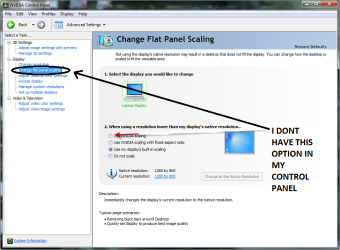
Very simple steps:
i have tested it in my
windows 7 32bit ultimate
dell laptop
ati mobility radeon hd 4570
latest ati catalyst driver-application
1366x768 screen
with GTA San Andreus game
1)Go to ATI CATALYST Applicaton:
- Graphics/Desktop & Display/ click triangle button in big Screen Model and press "Properties" option
- now change resolution to lower one.(in my lapy i have changed it from 1366x768 to 1280x720.)
- Save & Exit.
2)now again go to ATI CATALYST Application
- Graphics/Desktop & Display/ this time click on bottom left small Laptop icon's triangle from where u can get to "Configure" option
- now you will find three scaling options:
>Preserve aspect ratio
>full screen
>centered
- u select full screen button
- save & exit.
3)now go to desktop
- click right click of mouse
- go to "Personalize" option
- than click "Display" button
- in that u will find "Display Resolution" Option,go to there.
- now change resolution to max (as it was 1366x768 in my case)
- apply ,save changes and exit .
you have done,full screen full resolution boom
(if it does not work than try all this procedure after minimizing the game .as i have first started game than switched to desktop via tab button (minimize game) and than i have done above all procedure.i
am just saying i dont no that if this stuff affect or not but try if you want.)
(here i have done changing resolution by two diff methods and use full screen option in ati application
first u might not get three option in configuration option and also cant change scaling option as they are brown as mentioned in step 2 but after lowering resolution u can access them)
(for different ati graphics and applications this procedure may be slight different due to differing user interface but you can get idea how to get this done.)
if u like please respond
thankx
have a fun

 i have a same problem ...
 )
)
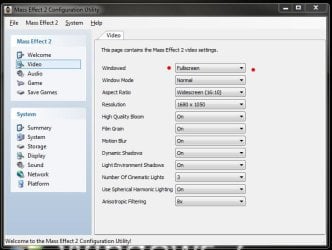
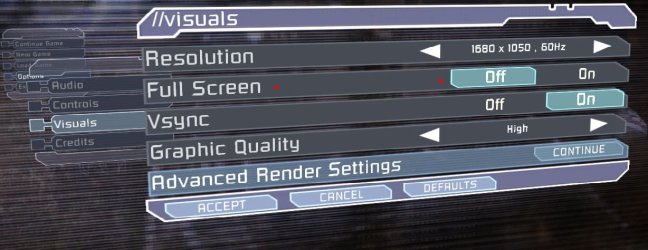
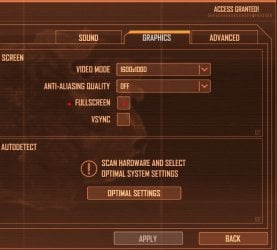
 .... thanks again