- Local time
- 1:57 AM
- Messages
- 50,634
Three days ago I posted a way to Bypass UEFI to Install WIn. Have you looked over those steps?

Three days ago I posted a way to Bypass UEFI to Install WIn. Have you looked over those steps?
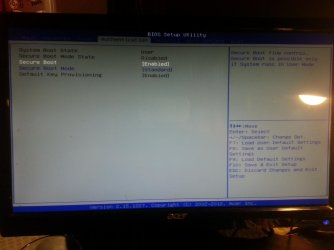
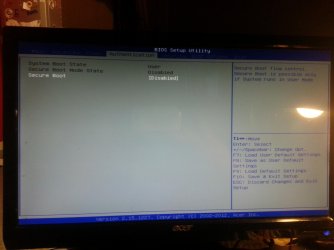
Do you have Secure Boot?
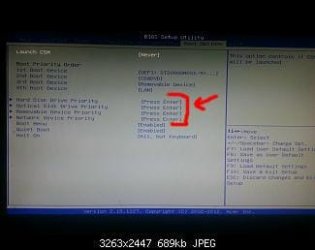
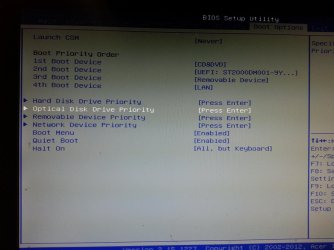
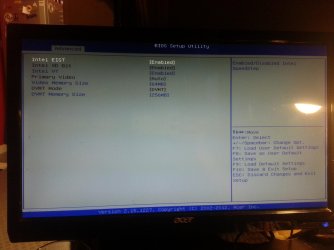
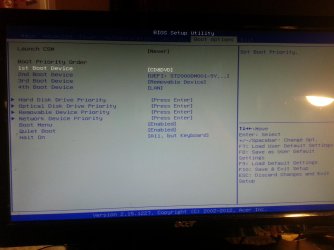
If so turn it off. Now do the EFI options disappear in BIOS Boot priority choices?
Set DVD drive to boot first, then HDD and complete the other steps I gave in link.

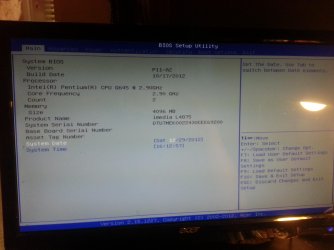
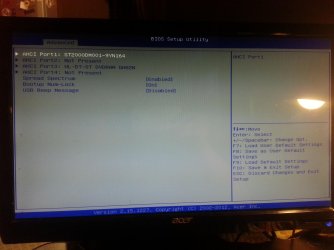
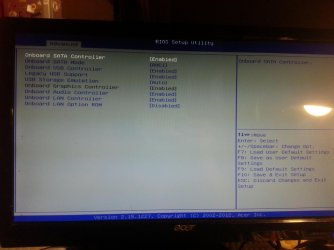
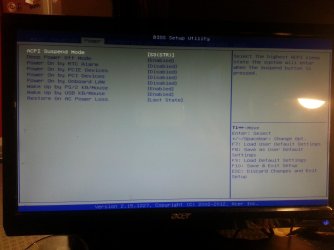
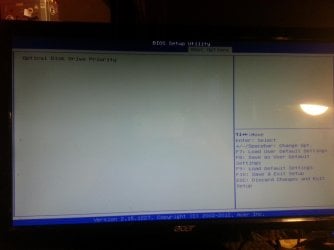
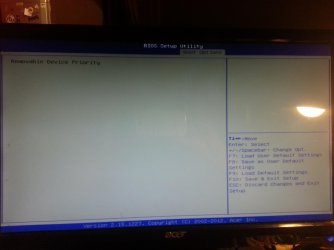
Check the all settings in the BIOS, looks one of them is set to DISABLE DVD/USB drive from BOOT MENU.

Looks like you have missed the last page out.
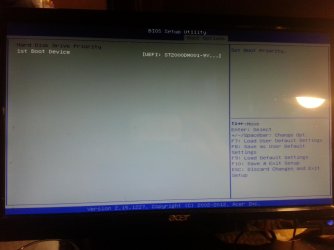
What are the other choices in Hard Disk priority? As I said earlier you need to remove all UEFI choices from list once Secure Boot is disabled. It also doesn't look like there's a Legacy BIOS choice which normally would remove all UEFI choices from menus on many BIOS'.
Have you read your BIOS Manual to see exactly how to achieve Legacy BIOS (non-UEFI)?
Looks like you have missed the last page out.
the last page is the page to save discard and so on buddy