mfreakdout
New member
- Local time
- 8:35 PM
- Messages
- 27


this is what you should see to this effect
Sorry don't see any thing posted or pic for that matter
this is what you should see to this effect
Sorry don't see any thing posted or pic for that matter
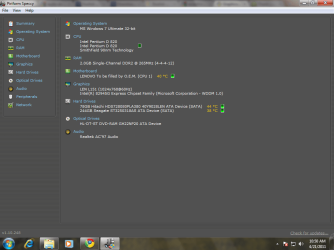
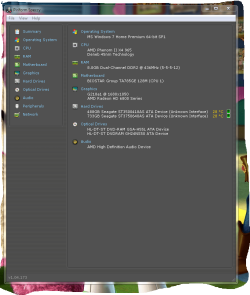
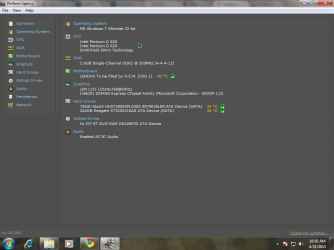
I have attatched a pic in my previous post.
Tell me if i can use Zotac gt 240 ..

check my attatchmentMy problem is that , when i insert the graphics card in the PciE slot and connect the monitor cable to the graphics card and turn on the cpu, I dont GEt a Display!
I have updated my bios, i have even tried Disabling the Display adapters in Device manager.
Hi,
Are you migrating from On-Board to External graphics? Is then you may need to do the following...
Now plug the cable into the new card and hopefully you should have your image back.
- Plug the VGA cable into the On-Board port
- Access the BIOS (press DEL, F1, F10 or F12 when 1st boot screen appears)
- (normally) Under Advanced settings find details of GFX
- Change from Internal to External (PCI-E)
like i said hands on and a second opion helps