Ramyyemani
New member
- Local time
- 7:49 AM
- Messages
- 2
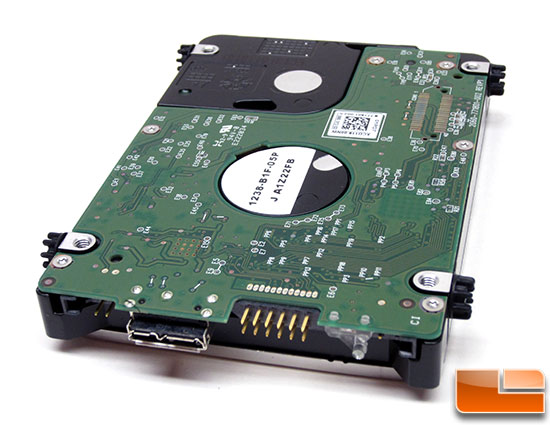
Hello, I have a WD MyBook Essentials 2TB external hard drive that I would like to use as an internal drive(Direct SATA).
About five months ago I had trouble with the enclosure, when ever I plug it in it takes a long time to load and only appears as a local desk with no size or other information, although it appears to be a healthy primary partition in Disk Manager.
I googled around and found that it's very common for the USB3-SATA bridge to fail and that the data is most likely encrypted by the bridge.
I was able to recover some of the data using GetDataBack NTFS, then I took the drive out of the enclosure and connected it directly via a SATA-USB adapter, the computer recognized it but it was not initialized and unallocated, it prompted me to initialize it as ether MBR or GPT,I checked MBR and hit Ok then it gave this message:
Data error (cyclic redundancy check)

I tried TestDisk 7.0 but if didn't find any partitions.
I tried HP USB Disk Format Tool V2.1.8, the same error occurred.
I tried DMDE 3.0.6, it kept displaying this message:
LBA:xx xxx xxx (try x): WinEror 1(or 2 ). The system cannot find the file specified.
I clicked ignore all and finally got to this page and I don't know where to go from here:

As a last resort I'm planing to use HDDerase to remove everything from the drive, as it's very risky and I'm using a laptop and to make matters worse, the power is not exactly what you could call reliable around here so I'm hopping I can avoid that.
Thank you for your time.
About five months ago I had trouble with the enclosure, when ever I plug it in it takes a long time to load and only appears as a local desk with no size or other information, although it appears to be a healthy primary partition in Disk Manager.
I googled around and found that it's very common for the USB3-SATA bridge to fail and that the data is most likely encrypted by the bridge.
I was able to recover some of the data using GetDataBack NTFS, then I took the drive out of the enclosure and connected it directly via a SATA-USB adapter, the computer recognized it but it was not initialized and unallocated, it prompted me to initialize it as ether MBR or GPT,I checked MBR and hit Ok then it gave this message:
Data error (cyclic redundancy check)
I tried TestDisk 7.0 but if didn't find any partitions.
I tried HP USB Disk Format Tool V2.1.8, the same error occurred.
I tried DMDE 3.0.6, it kept displaying this message:
LBA:xx xxx xxx (try x): WinEror 1(or 2 ). The system cannot find the file specified.
I clicked ignore all and finally got to this page and I don't know where to go from here:
As a last resort I'm planing to use HDDerase to remove everything from the drive, as it's very risky and I'm using a laptop and to make matters worse, the power is not exactly what you could call reliable around here so I'm hopping I can avoid that.
Thank you for your time.
Last edited:
My Computer
At a glance
windows
- OS
- windows