
Friend of mine recently got a computer that he intended to put Windows 7 on, the OS originally on it was DOS: OS. He went into the BIOS, and tried changing the boot priority to the CD:ROM, which for him appears to be UEFI.
When set to this, he gets this: "EFI DVD/CDROM <HL-DT-ST DVDRAM GUA0N> has been blocked by the current security policy".
Help?
For reference:
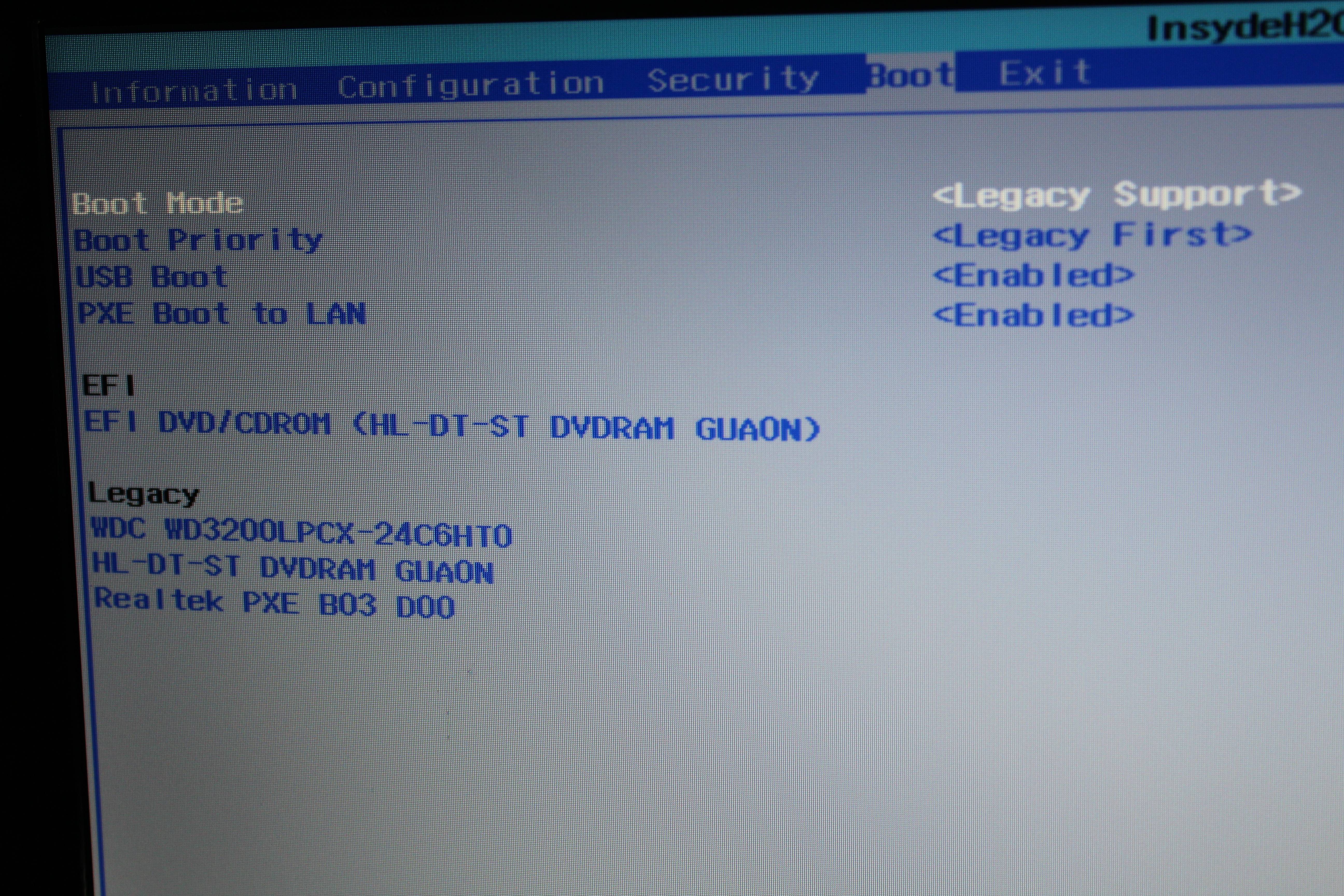
When set to this, he gets this: "EFI DVD/CDROM <HL-DT-ST DVDRAM GUA0N> has been blocked by the current security policy".
Help?
For reference:
My Computer
At a glance
Windows 7 Home Premium 64 bitAMD FX 8350 @ 4.52 GHz16 GB DDR3 Corsair VengeanceAMD Radeon HD 7970 3 GB
- Computer type
- PC/Desktop
- Computer Manufacturer/Model Number
- iBuyPower
- OS
- Windows 7 Home Premium 64 bit
- CPU
- AMD FX 8350 @ 4.52 GHz
- Motherboard
- Gigabyte GA-970A-UD3 -- AMD 970
- Memory
- 16 GB DDR3 Corsair Vengeance
- Graphics Card(s)
- AMD Radeon HD 7970 3 GB
- Sound Card
- 3D Premium Surround Sound Onboard
- Screen Resolution
- 1920x1080
- Hard Drives
- Dual 1 TB Drives - RAID-0 High Performance
- PSU
- 850 Watt - Corsair CMPSU-850AX
- Case
- NZXT Source 210 Gaming Case Blue
- Cooling
- Liquid CPU Cooling System [AMD]
- Internet Speed
- 300 KBps download speed.
- Antivirus
- Microsoft Security Essentials
- Browser
- Firefox 20.0.1


