
I installed GPSoftware Directory Opus as a Trial, and I liked it a lot and I used it as default file manager for a while, but I got bored (run out of $$ and trial ended  ) and uninstalled it with IObit unistaller but when I rebooted I got nothing as file manager, that shit program didnt changed the reg to default and now I can only set 3rd party soft as default file manager.
See, screenshots,
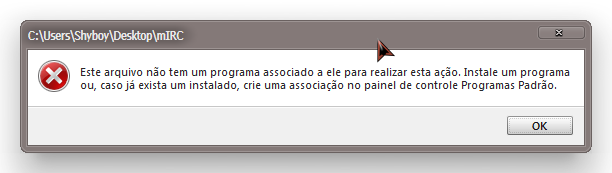
This says I do not have a program associated with it. And if I have, I put it as standard on the control panel.
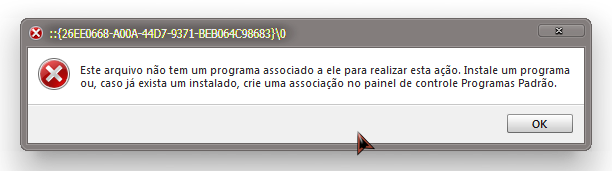
It show the same error above.
But wait up I can still open it on Win + E, then:
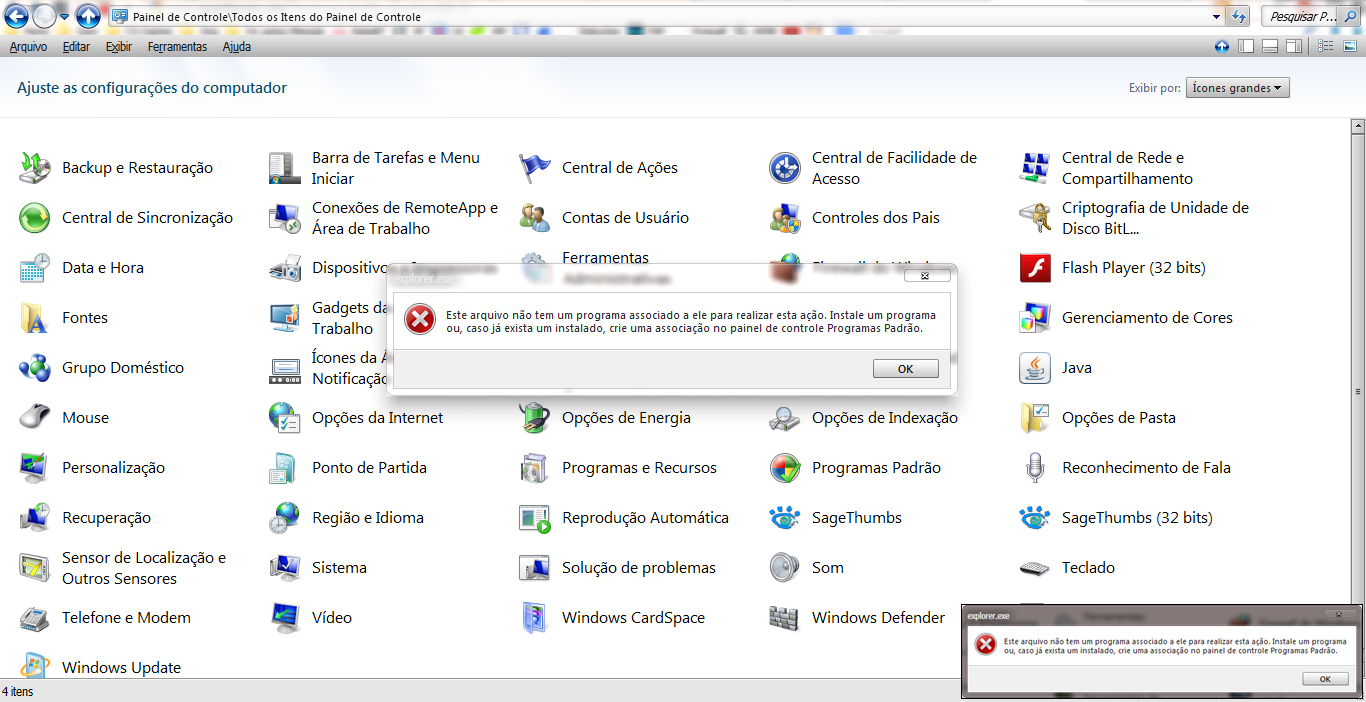
It shows me the same above error
Then I tried that reg.
And it did not work.
I dont have ANY system restore.
What I can do?
I found this on my New Born VM
Windows Registry Editor Version 5.00
And it worked fine.
) and uninstalled it with IObit unistaller but when I rebooted I got nothing as file manager, that shit program didnt changed the reg to default and now I can only set 3rd party soft as default file manager.See, screenshots,
This says I do not have a program associated with it. And if I have, I put it as standard on the control panel.
It show the same error above.
But wait up I can still open it on Win + E, then:
It shows me the same above error
Then I tried that reg.
Code:
Windows Registry Editor Version 5.00

[HKEY_CLASSES_ROOT\Drive\shell]
@="none"


[HKEY_CLASSES_ROOT\Directory\shell]
@="none"I dont have ANY system restore.
What I can do?
I found this on my New Born VM
Windows Registry Editor Version 5.00
Code:
[HKEY_CLASSES_ROOT\Folder\shell\open\command]
@="%SystemRoot%\\Explorer.exe"
And it worked fine.
Last edited:
My Computer
- Computer type
- Laptop
- Computer Manufacturer/Model Number
- Lenovo G480
- OS
- Windows 7 Ultimate x64
- Browser
- Palemoon


