My system is Windows 7 64 bit professional
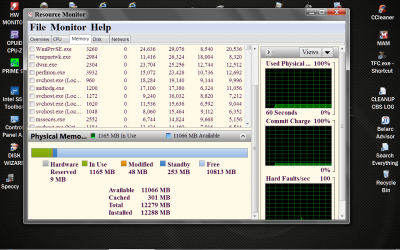
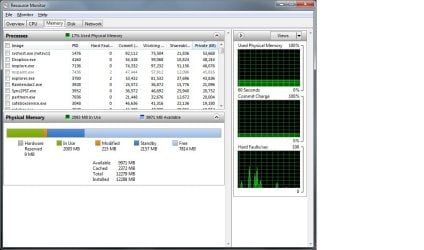
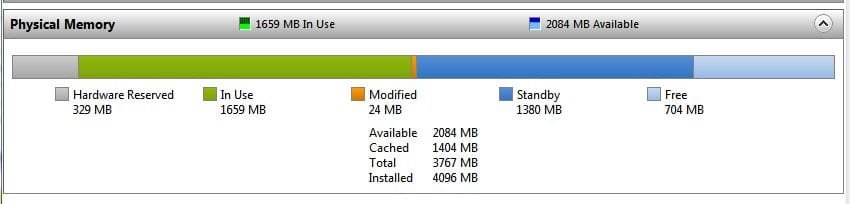
How can I tell how much memory I have installed on my computer, I know I can click on the start orb then right click on computer then click on property it then shows me the memory installed.
My problem is I was wanting to install extra memory so I run a scan from crucial and that says a different amount to what my computer says.
So is there a way I can tell for certain
Regards to you all
How can I tell how much memory I have installed on my computer, I know I can click on the start orb then right click on computer then click on property it then shows me the memory installed.
My problem is I was wanting to install extra memory so I run a scan from crucial and that says a different amount to what my computer says.
So is there a way I can tell for certain
Regards to you all
My Computer
- Computer Manufacturer/Model Number
- Custom Made
- OS
- Windows 7 Professional 64 Bit
- CPU
- Intel Core I7 920 @ 2.6 GHz
- Motherboard
- Asus P6T SE
- Memory
- 12 Meg Triple Channel DDR3
- Graphics Card(s)
- Nvidia Gforce GTX 260
- Sound Card
- On Board
- Monitor(s) Displays
- DGM
- Hard Drives
- 500 gig Sata
- PSU
- Not sure
- Case
- Thermalite
- Cooling
- Standard cooling
- Keyboard
- Usb
- Mouse
- Usb
- Internet Speed
- 7meg

 rb:and the Pause Break key at the same time, system properties will show you your installed and usable memory. Your computer will be the correct one but it may have some RAM hardware reserved.