

These days with the Internet being all around us, using a secure browser is essential. We all have that one browser we love to use, and often in disregard to its security or lack there of.The lack of security may lay in an outdated browser version, but also in the plugins, add ons and what not installed. The over eager use of plugins (as done in MSIE and Firefox) is why I personally dread most browsers. Mostly because these plugins tend to clutter my “browsing space” but also due to the lack of security.
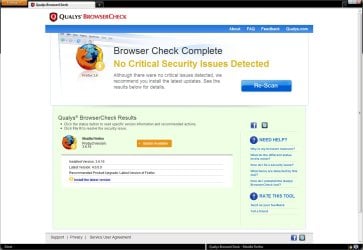
How do you know how safe your browser experience really is ?
More...
My Computer
At a glance
Win 7 Ultimate SP1 x64Intel Pentium Dual Core E5300 OC'd @ 3GHzKingston 2x2GB DDR2-800 Dual Channel SDRAMIntegrated Intel GMA X4500
- Computer Manufacturer/Model Number
- D3f's Customs
- OS
- Win 7 Ultimate SP1 x64
- CPU
- Intel Pentium Dual Core E5300 OC'd @ 3GHz
- Motherboard
- Asus P5G41-M LE
- Memory
- Kingston 2x2GB DDR2-800 Dual Channel SDRAM
- Graphics Card(s)
- Integrated Intel GMA X4500
- Sound Card
- Realtek 5.1 HD Audio (ALC887)
- Monitor(s) Displays
- LG Flatron W1943S @ 60Hz
- Screen Resolution
- 1360 x 768
- Hard Drives
- Internal - WD Caviar Blue 500GB, External - WD My Passport Essential 500GB
- PSU
- Headway 450w PSU
- Case
- Pixxo Slim Black mATX Case
- Cooling
- Stock Cpu Fan, 1 x Top Case Fan
- Keyboard
- Logitech K120
- Mouse
- Logitech LS1 Laser Mouse
- Internet Speed
- 17.66Mb/s Down, 0.82Mb/s Up
- Other Info
- Creative SBS A300 2.1 Speaker System, LG GH22NS50 22x Internal Super-Multi DVD-RW, 2Wire 5012NV Wireless Modem Router


 I even added IP-domain name maps to my HOSTS file to stop man-in-the-middle attacks for my usual browsed websites. Firefox has so many options you can configure to make your browsing and the browser itself locked down secure.


