CarolC
New member
I need to restore, copy, bring over, what ever you want to call it, but I need access to all of my personal folders and email that was left on my computer when I changed over to Windows 7. I successfully completed a Windows 7 Clean install after backing up my hard drive on to an external 250 gig flash (G). I also know and found that Windows 7 created a “Windows old” file on my hard drive, that also houses my Outlook 2003 backup (As I use the PST Backup utility).
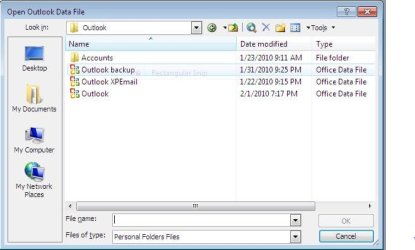
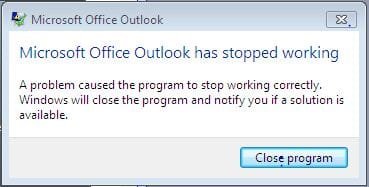
I thought I could just copy the outlook file, rename the file (OutlookXPEmail) and place it in the Windows 7 Outlook file. See attached. But what do I do now? I am still running Outlook 2003, the same program that I was using when I was running XP. Can anyone help me?
View attachment Doc3.doc
I thought I could just copy the outlook file, rename the file (OutlookXPEmail) and place it in the Windows 7 Outlook file. See attached. But what do I do now? I am still running Outlook 2003, the same program that I was using when I was running XP. Can anyone help me?
View attachment Doc3.doc
My Computer
At a glance
Windows 7 Home PremiumIntel Pentium 4 CPU 3.00 GHz 2992 Mhz 1 Core2.00 GB (RAM)
- Computer Manufacturer/Model Number
- Dell Dimension 8300
- OS
- Windows 7 Home Premium
- CPU
- Intel Pentium 4 CPU 3.00 GHz 2992 Mhz 1 Core
- Memory
- 2.00 GB (RAM)