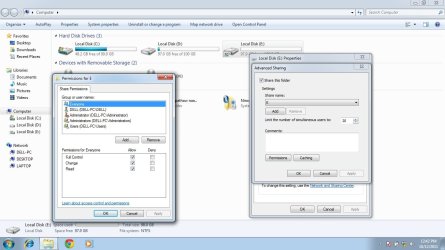
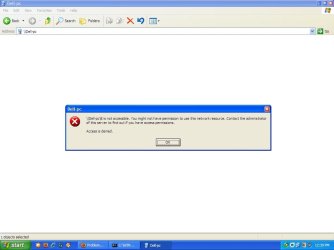
By just disabling Simple File Sharing on your XP computer, you can not prevent other networked windows computers from accessing it.
Please read this article on
Simple File Sharing which gives you more information on file sharing.
Simple File Sharing (SFS) when enabled allows one to share a file/folder with two kinds of permissions.
1. Read Only
2. Full Control
The NTFS Security permissions tab is hidden from the users.
When SFS is disabled, Sharing is still permitted but the NTFS Security permissions tab will appear allowing greater control on the File/Folder sharing.
If your XP computer has an administrator account without a password, then the Windows 7 computer with administrator credentials can directly access the XP computer. (To make this happen either XP's firewall should be off or an exception is created for Win 7 machine).
But Win 7 machine will not see any files or folders on XP machine unless shares are setup.
To see complete unshared drives on XP, you have to use administrative shares.
For example, type "
\\John\d$ in the address bar of window 7 to access D: drive of XP machine (John is the XP computer's name)
How to prevent sharing over network
Network sharing is possible only when you have enabled File and Printer Sharing for Microsoft Networks on your network adapter's Properties which is connected to the network.
When the driver for this network adapter is installed either by Windows or manually by you, the above feature along with Client for Microsoft Networks is automatically enabled.
To stop one from accessing the computer over network, these two features should be turned off by removing the check marks in the TCP/IP properties.
Any adapter connected to internet will have these two features switched off for security.



 with full access granted to EVERYONE.