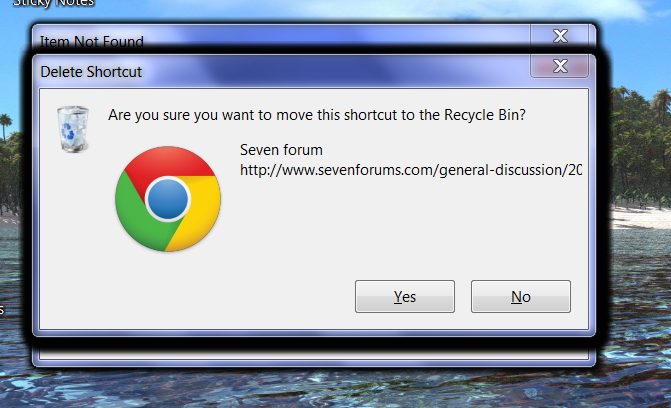
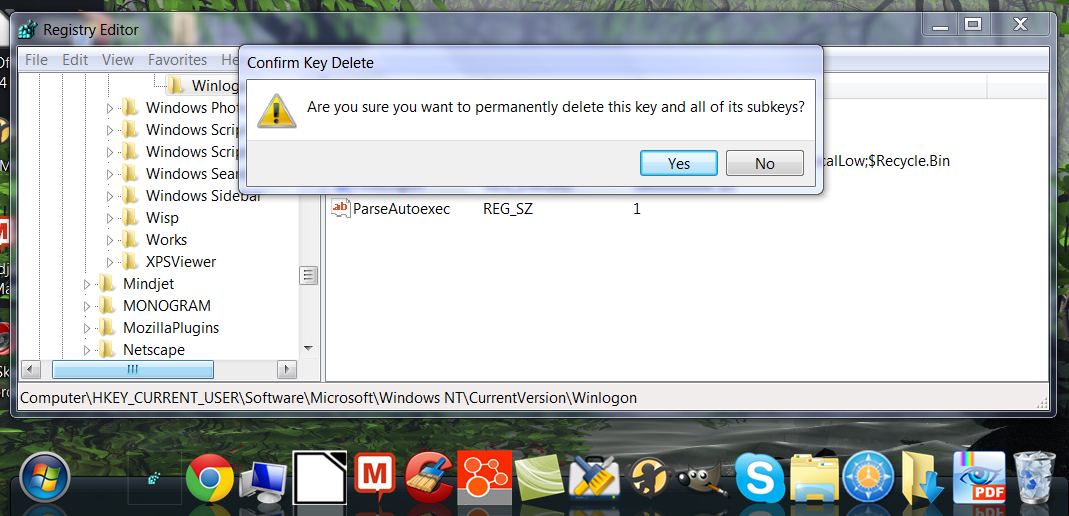
So even shortcuts and programs on desktop (not explorer++) have the same problem?I've tried both of those before. Documents and executables disappear. I have Explorer++ on the desktop. It's a standalone (no need to install) software, similar to Windows Explorer. I would click on the icon to open, it would disappear, error message, etc. But the program would open! And then when I clicked on any file or folder in Explorer++, the same problems would occur: vanishing icon, error messages (always the same one, multiplied at least a dozen times).
The other day I created another user account "Testaccount" and that's when I said the problem was "even worse" than the administrator account. When I clicked on an icon, it wouldn't disappear but I'd get this message: "FILE ACCESS DENIED. You'll need to provide administrative permission to delete this file." And that message would automatically duplicate itself many times. Needless to say, I wasn't trying to delete anything. And in that test account, the computer froze. I had to unplug it to turn it off.
just right-click (and not yet click something in rightclick menu) triggers the delete?
My Computer
At a glance
Microsoft Windows 7 Home Premium 64-bits 7601...Intel(R) Core(TM) i3 CPU M 370 @ 2.40GHz4,00 GBATI Mobility Radeon HD 5400 Series
- Computer type
- Laptop
- Computer Manufacturer/Model Number
- ACER ASPIRE 5742G
- OS
- Microsoft Windows 7 Home Premium 64-bits 7601 Multiprocessor Free Service Pack 1
- CPU
- Intel(R) Core(TM) i3 CPU M 370 @ 2.40GHz
- Motherboard
- Acer Aspire 5742G
- Memory
- 4,00 GB
- Graphics Card(s)
- ATI Mobility Radeon HD 5400 Series
- Sound Card
- (1) AMD High Definition Audio Device (2) Realtek High Defi
- Screen Resolution
- 1366 x 768 x 32 bits (4294967296 colors) @ 60 Hz
- Hard Drives
- WDC WD5000BEVT-22ZAT0