System Images are more important than ever
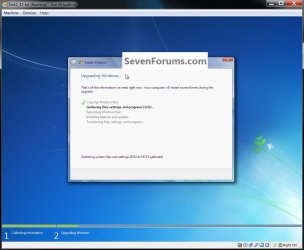
Now that we learned that a Repair/Install of an SP1 system is impossible or very difficult ( http://www.sevenforums.com/tutorials/3413-repair-install-48.html#post1298885 ), it is more important than ever that people are being encouraged to image frequently.
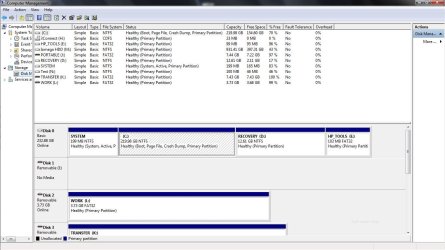
I keep about 10 current images and stash away another set of older images all the way back to the initial installation. It is also a good strategy to keep images on 2 or 3 different disks and even use 2 different imaging programs - just to be on the safe side. The day you need an image to get yourself out of a tight spot, you will applaud yourself for these measures.
Now that we learned that a Repair/Install of an SP1 system is impossible or very difficult ( http://www.sevenforums.com/tutorials/3413-repair-install-48.html#post1298885 ), it is more important than ever that people are being encouraged to image frequently.
I keep about 10 current images and stash away another set of older images all the way back to the initial installation. It is also a good strategy to keep images on 2 or 3 different disks and even use 2 different imaging programs - just to be on the safe side. The day you need an image to get yourself out of a tight spot, you will applaud yourself for these measures.
Last edited:
My Computer
At a glance
Vista, Windows7, Mint Mate, Zorin, Windows 8from 1.6GHz Duo to i7
- Computer Manufacturer/Model Number
- HP, Dell, Gateway, Toshiba - 4 laptops and 2 desktops
- OS
- Vista, Windows7, Mint Mate, Zorin, Windows 8
- CPU
- from 1.6GHz Duo to i7
- Monitor(s) Displays
- 2x HP w2207
- Hard Drives
- 5x HDD, 7x SSD, 12x Externals
- Keyboard
- with trackball - no mices
- Mouse
- Trackball mice
- Internet Speed
- DSL 6000

 )
)