RalphJones
New member
- Local time
- 8:43 AM
- Messages
- 10
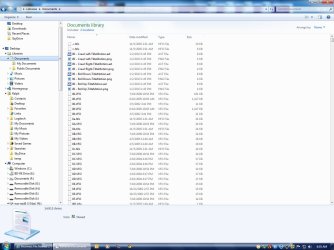
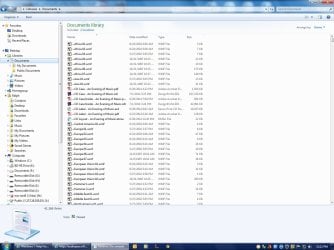
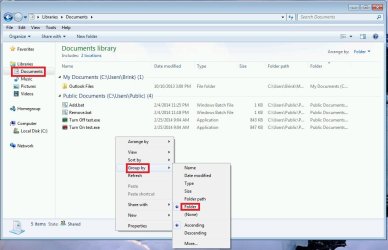
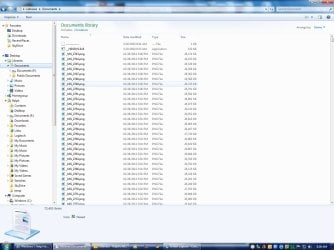
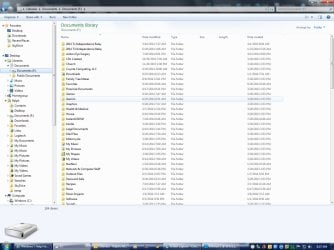
A problem has recently cropped up on my Windows 7 machine. When I open the "Documents" library, it does not show the combined view of My Documents and Public Documents. It shows a list of files, but no folders. Not all of my files are shown, just some of them. However, the file names are correctly linked, in that if I delete one, that file is deleted. If I "open file location" from the library, the correct folder opens.
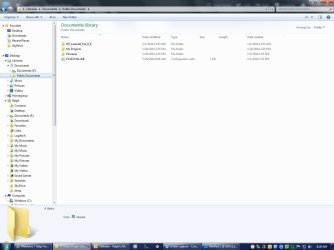
I've included screen captures of the Documents, My Documents, and Public Documents libraries. You'll notice that I have a second hard drive (F where all of my documents are stored.
What happened? How do I fix this?
I've included screen captures of the Documents, My Documents, and Public Documents libraries. You'll notice that I have a second hard drive (F
where all of my documents are stored.What happened? How do I fix this?
Attachments
My Computer
- Computer type
- PC/Desktop
- OS
- Windows 7 x64