
Solved Installed Tahoma font pack, now it won't go away in Aero

Ree

New member
Local time
11:00 PM
Messages
2
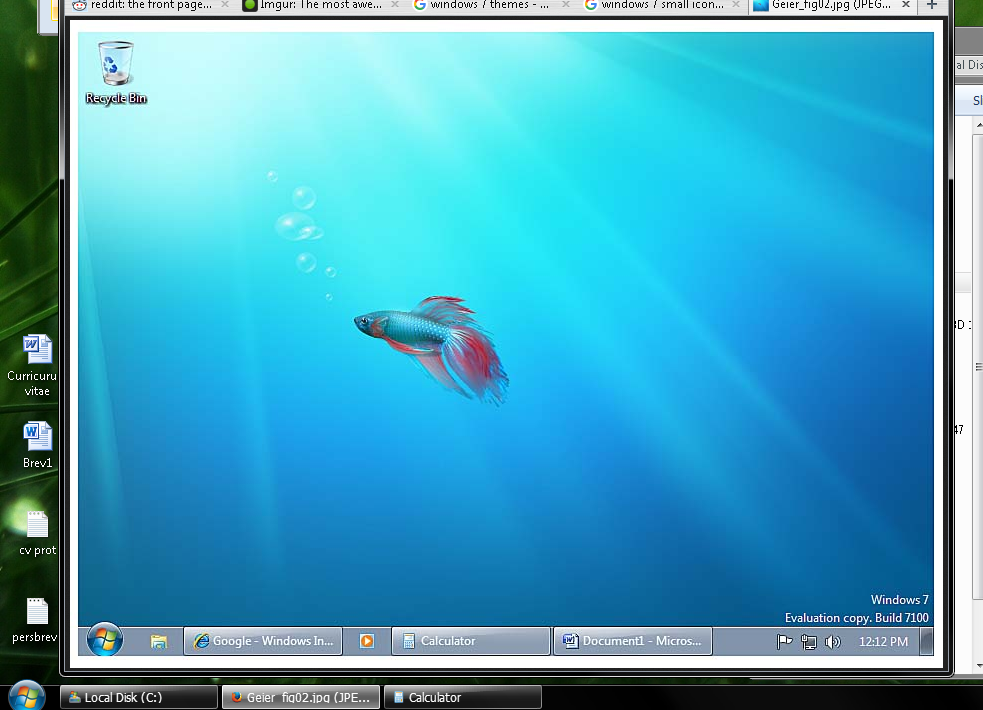
Basically title. Above is how I remember it (took a screenshot from Google), below is how it is right now, with Aero installed (from scratch).
x5B8lrw.png


Can someone help me force an install of the original font, Segoe UI? I'm usually pretty good at this, but I had no idea what to google.

Edit: This appears to be the fontpack: How to restore windows 7 font tahoma8.reg - Super User
 
Last edited:

My Computer My Computer

At a glance

Windows 7 Ultimate x64
Computer type
PC/Desktop
OS
Windows 7 Ultimate x64
Fixed it following a random russian guide I had to translate lol

IT: августа 2015

Translated:

Return font smoothing in Windows 8.1, if it was disabled by this manual
Windows 7 ClearType - [1] :: Microsoft Windows :: Ru.Board


1) Remove Segoe UI from the HKEY_LOCAL_MACHINE \ SOFTWARE \ Microsoft \ Windows NT \ CurrentVersion \ FontSubstitutes
2) Return to the HKEY_CURRENT_USER \ Control Panel \ Desktop
options:
FontSmoothing = 2
FontSmoothingType = 2
3) Apply Reg-file SegoeUI.reg, here are the contents

Windows Registry Editor Version 5.00

[HKEY_LOCAL_MACHINE \ SOFTWARE \ Microsoft \ Windows NT \ CurrentVersion \ Fonts]
"Segoe UI Symbol (TrueType)" = "seguisym.ttf"
"Segoe UI Italic (TrueType)" = "segoeuii.ttf"
"Segoe UI Semilight (TrueType)" = "segoeuisl.ttf"
"Segoe UI Black Italic (TrueType)" = "seguibli.ttf"
"Segoe UI Light Italic (TrueType)" = "seguili.ttf"
"Segoe UI Emoji (TrueType)" = "seguiemj.ttf"
"Segoe UI (TrueType)" = "segoeui.ttf"
"Segoe UI Semibold (TrueType)" = "seguisb.ttf"
"Segoe UI Light (TrueType)" = "segoeuil.ttf"
"Segoe UI Semilight Italic (TrueType)" = "seguisli.ttf"
"Segoe UI Black (TrueType)" = "seguibl.ttf"
"Segoe UI Bold Italic (TrueType)" = "segoeuiz.ttf"
"Segoe UI Semibold Italic (TrueType)" = "seguisbi.ttf"
"Segoe UI Bold (TrueType)" = "segoeuib.ttf"

Just followed this. Worked.
 

My Computer My Computer

At a glance

Windows 7 Ultimate x64
Computer type
PC/Desktop
OS
Windows 7 Ultimate x64
Back
Top