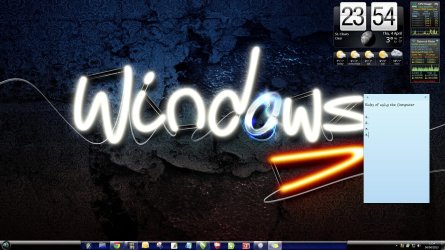
I have researched until I am blue in the face and not found out how to do this.
We are getting ready to have house guests, and I have created an account for them to use. I would like to create a desktop shortcut icon which is roughly double the size of the other icons to draw attention to it. The target file will be a basic readme with a couple of short rules for using my computer.
If I cannot find a way to create the single larger icon, I will resort to another idea I have in mind. That idea is to type the rules in Word and use Snipping Tool to capture the text and use the resulting image as a desktop background.
drpepper
We are getting ready to have house guests, and I have created an account for them to use. I would like to create a desktop shortcut icon which is roughly double the size of the other icons to draw attention to it. The target file will be a basic readme with a couple of short rules for using my computer.
If I cannot find a way to create the single larger icon, I will resort to another idea I have in mind. That idea is to type the rules in Word and use Snipping Tool to capture the text and use the resulting image as a desktop background.
drpepper
My Computer
At a glance
Windows 7 Home Premium SP1 64bitIntel Core i38GB DDR3Intel HD graphics family
- Computer type
- PC/Desktop
- Computer Manufacturer/Model Number
- Lenovo 1068AHU B570 (laptop)
- OS
- Windows 7 Home Premium SP1 64bit
- CPU
- Intel Core i3
- Motherboard
- Lenovo Emerald Lake
- Memory
- 8GB DDR3
- Graphics Card(s)
- Intel HD graphics family
- Sound Card
- Realtek HD audio
- Monitor(s) Displays
- ThinkPad Display 1366x768 (15.6")
- Hard Drives
- WD 320GB WDC WD3200BPVT
- Internet Speed
- 80Kbs maximum -->speed is a misnomer
- Other Info
- Logitech MK550 wireless mouse/keyboard combo used when at home.