
- Local time
- 10:43 AM
- Messages
- 50,634
Yes use the Step 2 Download tool to burn to DVD if you're using a fresh ISO from Step 1. Or you can use ImgBurn at 4x speed. Either one is good.


What drivers did you install before installing all of your Important and Optional Windows Updates? Did you have to install Ethernet or Wireless to get online?
This tutorial is quite clear that newer drivers will be delivered via optional Updates when you enable Automatically get recommended drivers and updates for your hardware.
Only then should you import any drivers missing in Device Manager from the Support Downloads webpage for your model, not a drivers disk which will already be out of date.

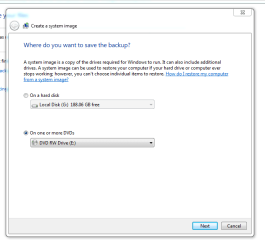
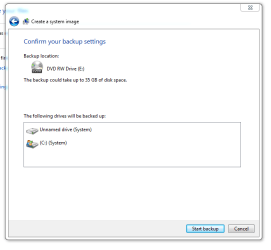

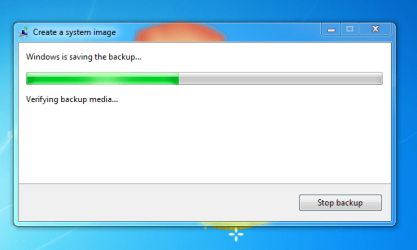
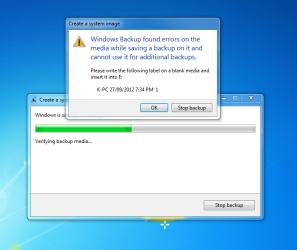
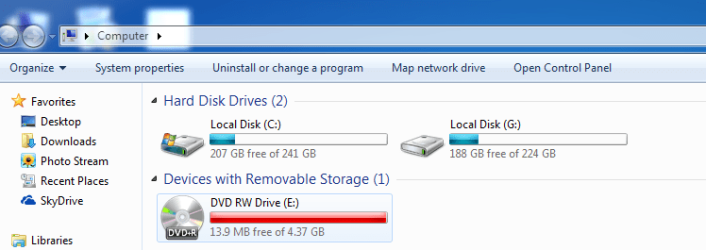

I have 1 TB external drive, which I use for back up. I have 400 GB data on it. Is it possible to create image on it's remaining space.
