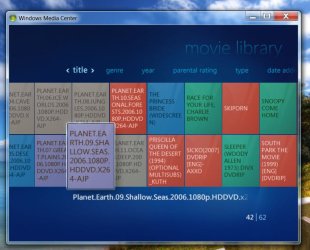
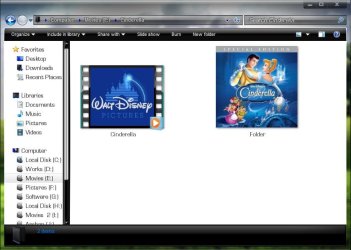
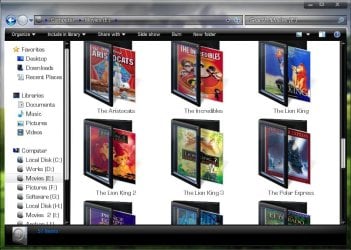
If you put every movie in a separate folder , get the album art , place it in the folder , and name it Folder.jpg . Like this :
How to get the album art? you may scan your DVD cover inlay card , you may download it from google image search , or there are some Media Center extentions that can obtain metadata online .... I am not that familiar with the last option . I do it manually .
EDIT : I do one more thing . I edit the album art size to a square resolution , so that it look even cool in explorer, too
My Computer
At a glance
Microsoft Windows 10 Pro Insider Preview 64-bitIntel(R) Core(TM) i3-4130 CPU @ 3.40GHzCorsair Vengence 4GB x2 (8.00GB Dual-Channel ...2047MB GeForce GTS 450 (ZOTAC International)
You will end up with synopsis and info on your films as well as cover art for your movies - i expect in videos the view you have of each file is just a screen shot of something within the movie. Follow that guide and you'll get proper dvd style film art for your thumbnails.
Not sure it'll do TV programmes but give it a try
My Computer
At a glance
Windows 7 Professional 64 bitAtom 3302gb Corsair DDR2 800mhzNvidia ION