ericparnell
New member
- Local time
- 12:58 AM
- Messages
- 2
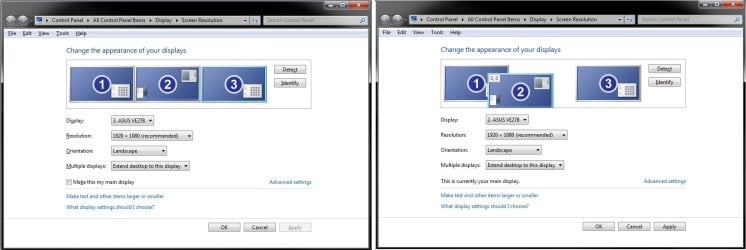
I have a laptop and a separate monitor set up above my laptop. It runs fine but the only problem I have is that when I want to go to my 2nd monitor I have to run the mouse out to the right to go to this screen. As the monitor is placed above my laptop screen it would be more natural to run my mouse UP to the screen above rather than to the RIGHT. I don't see a place in the display settings where I can change this. Any ideas?
My Computer
At a glance
Windows 7 Ultimate x64
- OS
- Windows 7 Ultimate x64