
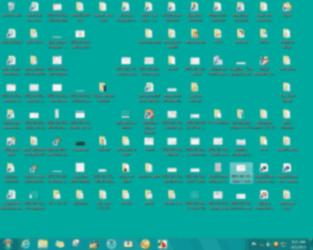
And I've messed around so much trying to fix it myself (before asking for help) 'cuz I'm sure it's simple, that now I'm not sure I can remember what I did just before the problem showed up or what I've done to 'try' to correct it.  My 1st shot, even tho' blurred, will show that the 'text color' below each icon was white & easy for me to read. The 2nd, after it changed, shows the color more blackish, harder to read. I also think there's a bit of difference in background color? I also messed that up again just before I came to post but didn't think to get a shot.
My 1st shot, even tho' blurred, will show that the 'text color' below each icon was white & easy for me to read. The 2nd, after it changed, shows the color more blackish, harder to read. I also think there's a bit of difference in background color? I also messed that up again just before I came to post but didn't think to get a shot.Attachments

My Computer
- Computer type
- PC/Desktop
- Computer Manufacturer/Model Number
- emachines
- OS
- Microsoft Windows 7 Home Premium 64-bit 7601 Multiprocessor Free Service Pack 1
- CPU
- AMD Athlon(tm) II X2 220 Processor
- Motherboard
- eMachines EL1358G
- Memory
- 3.00 GB
- Graphics Card(s)
- NVIDIA GeForce 6150SE nForce 430
- Sound Card
- Realtek High Definition Audio
- Screen Resolution
- 1280 x 1024 x 32 bits (4294967296 colors) @ 60 Hz
- Hard Drives
- (1) WDC WD10 EADX-22TDHB0 SCSI Disk Device (2) Generic- Multi-Card USB Device
- Keyboard
- came with PC
- Mouse
- came with PC
- Antivirus
- Avast
- Browser
- IE 9
- Other Info
- don't know how to get info for the other 5 areas




 If it wasn't for bad luck, I wouldn't have any!!! And I guess I'm blind too, found the sfcdetails on desktop, read it & came uncorked! This was all for nothing, all it repaired that I can see in details was my email which had NO PROBLEM & now I can't open it. But before I discovered that, I went back to see if I could get my desktop color back & ended up with black lettering again.


