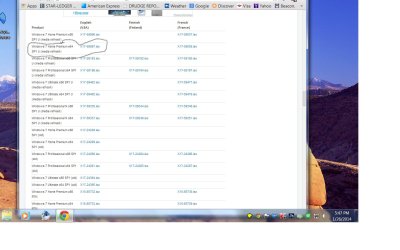
[QUOTE="gregrocker, post: 2671110, member: 7980"]Then I'd use a new ISO provided in Step 1 written to flash stick installer with tool provided in Step 2 of [URL="http://www.sevenforums.com/tutorials/219487-clean-reinstall-factory-oem-windows-7-a.html#post1839164"]Clean Reinstall - Factory OEM Windows 7.[/URL]

To boot the flash stick, set the HDD to boot first in BIOS setup then[B][SIZE=4] trigger the stick to boot using the one-time BIOS Boot menu key for your PC, listed under USB, Removable or HD's. You may have to expand the listing to see it. [/SIZE][/B]
[B][SIZE=4] [/SIZE][/B]
If stick starts the install over again after the install reboots then unplug it.

If stick fails to boot try unplugging the DVD drive. It may be faulty.[/QUOTE]