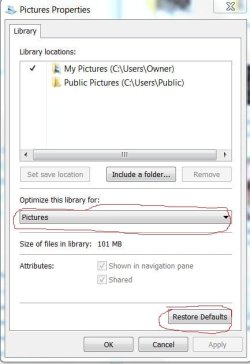
In Windows Explorer, right click on Pictures and select Properties. Look and see what the setting for Optimize this library for: is set at. It should be set to Pictures from the drop down menu. If it is set to Pictures, you can try restoring the default settings.
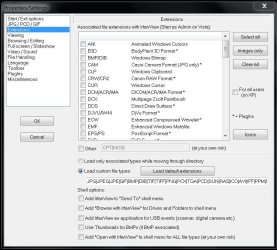
I do not know how to change the associations in Windows Explorer. Hopefully someone will come along that knows how to that. I think when you when you installed Irfanview, you made it the default for everything.
I will dig into Irfanview and get back to you.